
Designcenter Solid Edge 3D design fact sheet
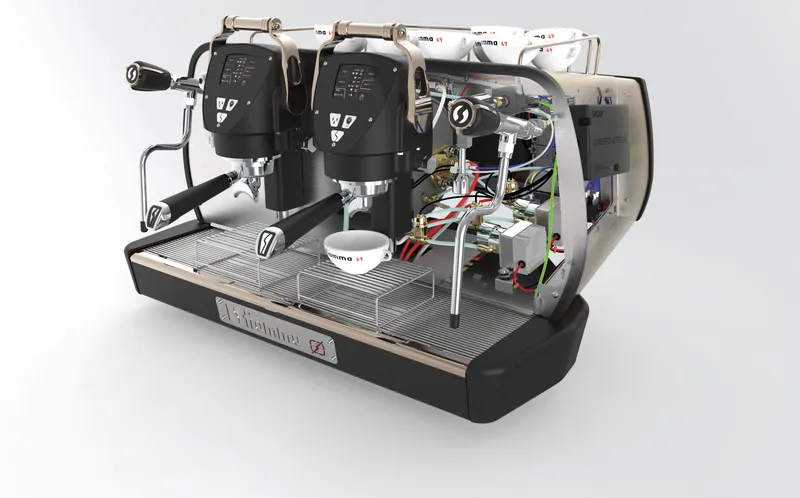
Part, assembly and drawing design with synchronous technology, in one fact sheet.
This five-page fact sheet gives a broad overview of the core 3D design capabilities in Designcenter Solid Edge. It explains how synchronous technology combines the speed of direct modelling with the control of history-based design, and walks through the main environments from part modelling to drawings, visualisation and reuse of existing data.
What the document covers
- Newer design methods: generative design, reverse engineering of scanned data, Convergent Modeling of mesh and b-rep geometry in one model, subdivision modelling and augmented reality review
- Part modelling with automated tools for gears, cams and springs, plastic part features, Goal Seek, and sheet metal design from CAD through flat pattern and drawing
- Large assembly modelling, AI-assisted snapping of parts, and AI-powered automatic generation of 2D drawings that follow the selected drafting standard
- Rule-based automation with Solid Edge Design Configurator, KeyShot-based rendering, point cloud visualisation and the Walkthrough command
- Data reuse: migrators for SolidWorks, Creo and Inventor, CAD Direct insertion of NX, CATIA, STEP and other files, standard part libraries and 3Dfindit.com supplier catalogues
- Solid Edge CAM Pro 2.5 Axis, Teamcenter Share integration, the licensing tiers and minimum system requirements
Who it is for
Mechanical designers, design engineers and engineering managers assessing a 3D CAD system for product and machine design.
Related product
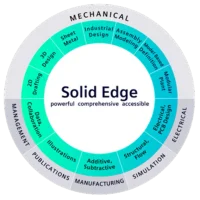 Designcenter Solid EdgeMechanical and electrical design for small and mid-size teams, with synchronous technology.See the product
More in the Knowledge Center



Have a project in mind?
Tell us what you are building and a NomuTech engineer will get in touch.