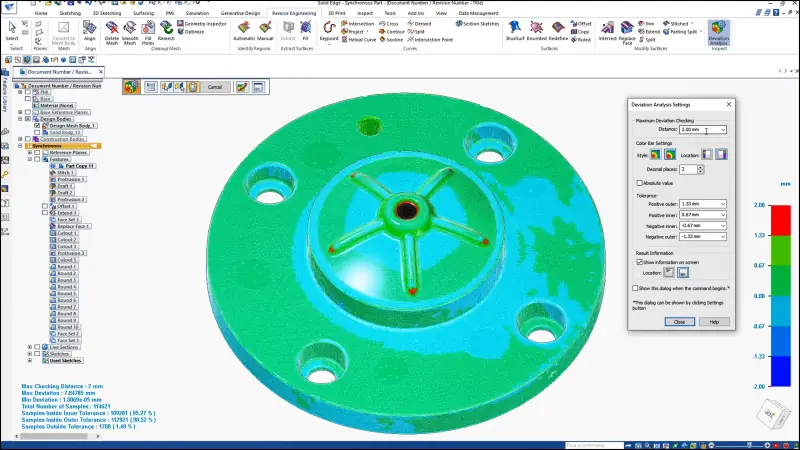
Mechanical design
Synchronous technology for push-and-pull editing of any geometry, including imported files, plus generative design, mesh modelling and reverse engineering.

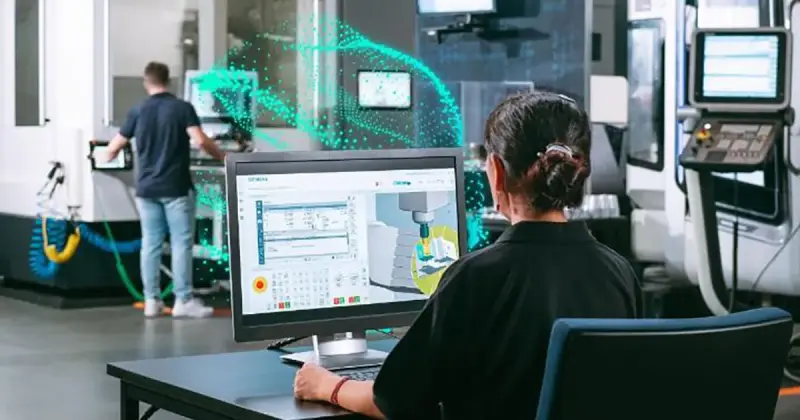
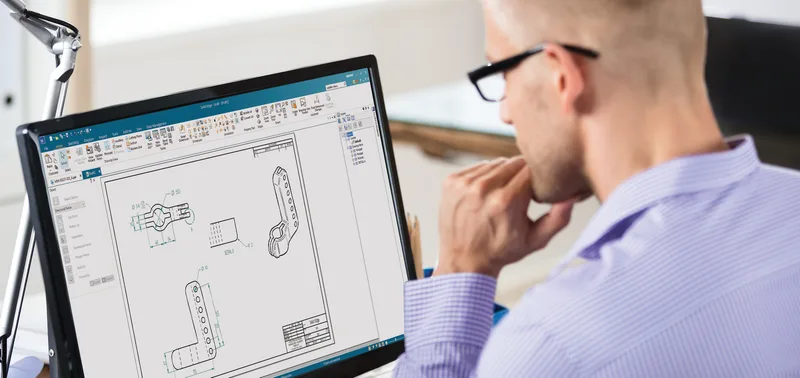
Professional CAD for small and mid-size manufacturers, without enterprise complexity.
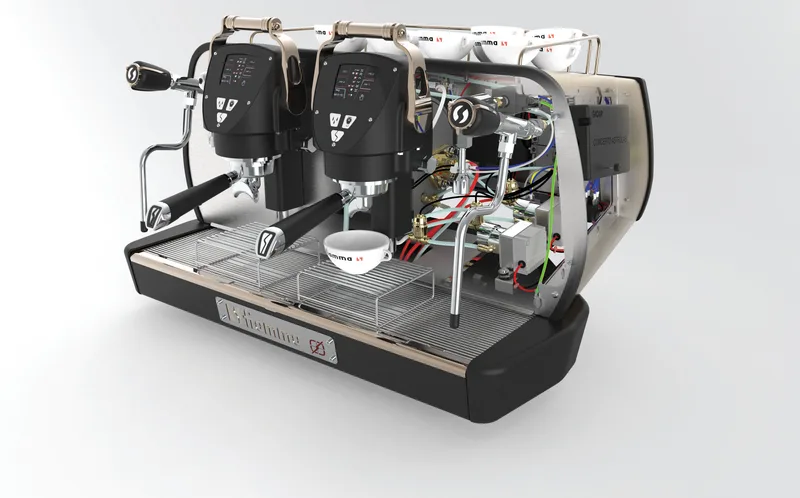
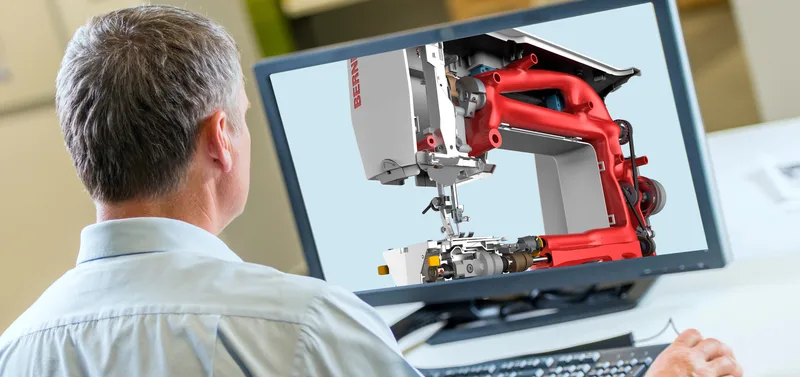
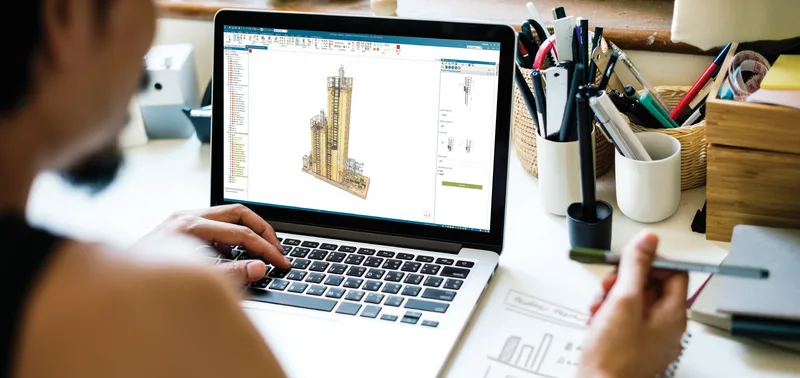
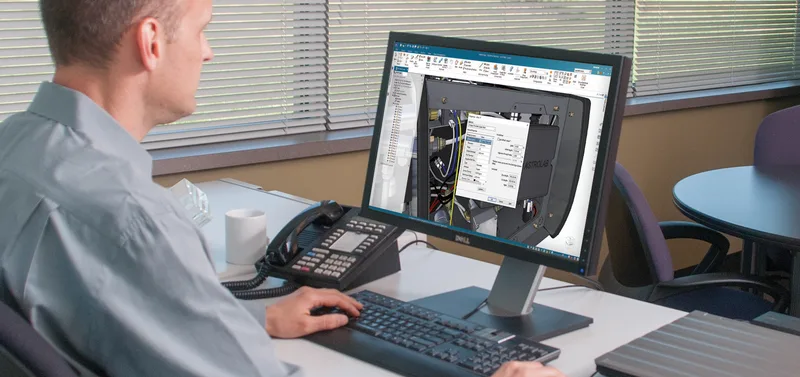
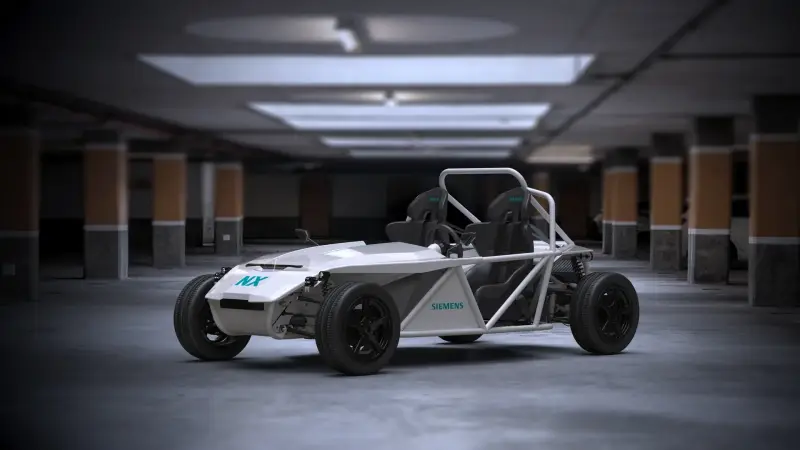
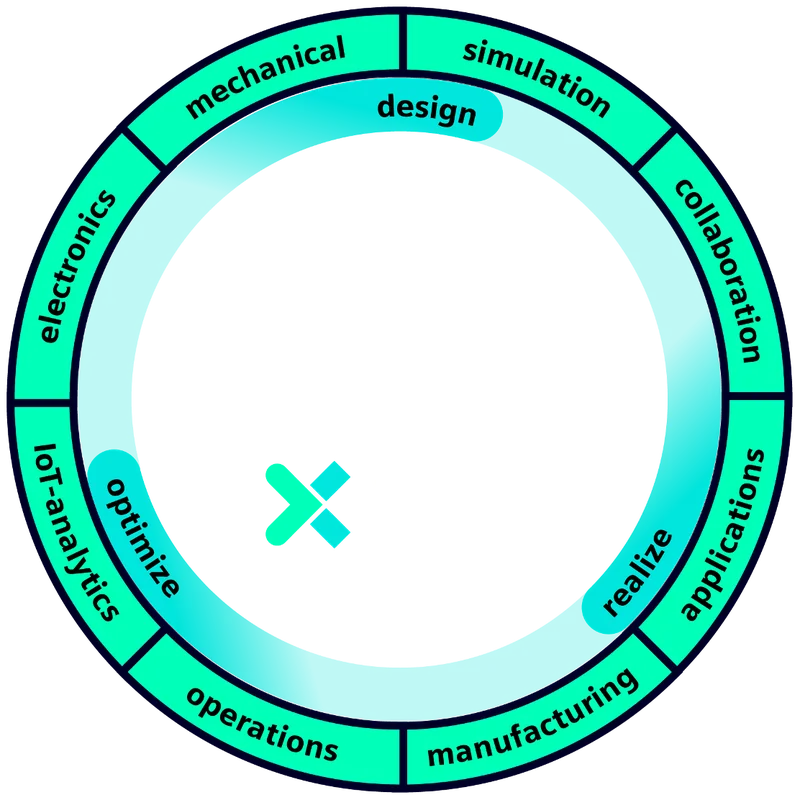
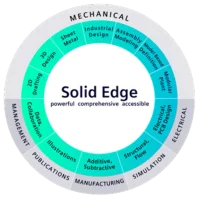
Designcenter Solid Edge is Siemens' design portfolio for small and mid-size manufacturers: mechanical and electrical design, simulation, manufacturing, technical publications and data management. It is built on the same Parasolid kernel as Designcenter NX and scales from a single seat to a full engineering department. Formerly Solid Edge, it now carries the Designcenter name. The 2026 release adds new 3D design features, automated drawing creation and AI-assisted assembly modelling.
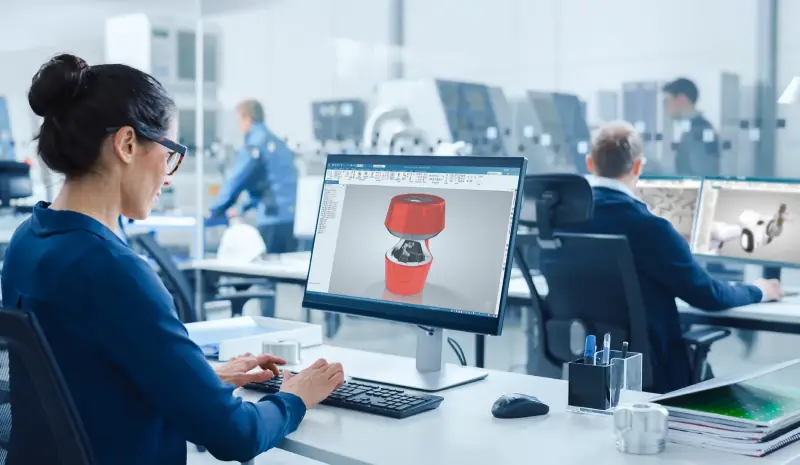
Synchronous technology for push-and-pull editing of any geometry, including imported files, plus generative design, mesh modelling and reverse engineering.
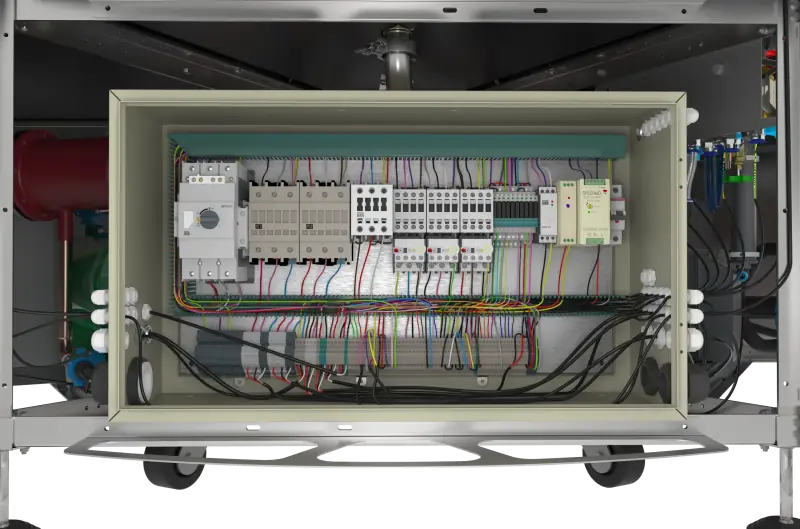
Wiring, harness and circuit design in the same environment as the mechanical product, with electrical simulation and automated routing.
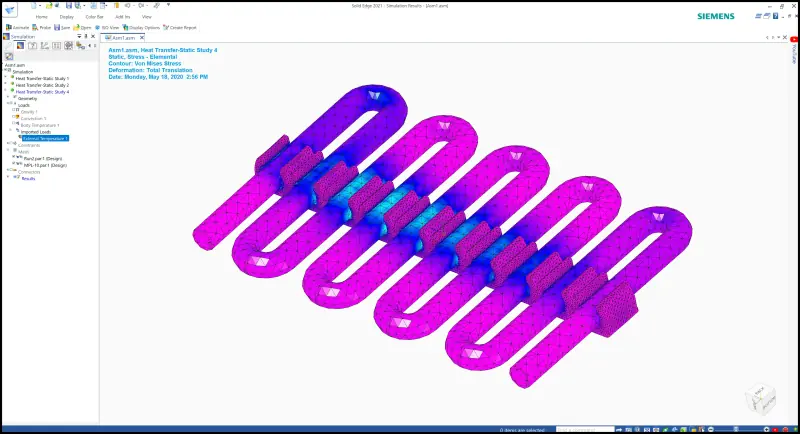
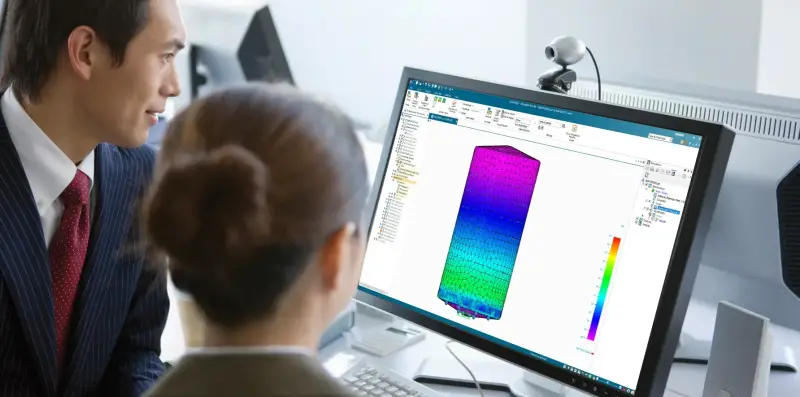
Built-in finite element analysis powered by Simcenter Femap, and embedded computational fluid dynamics, with automated meshing.
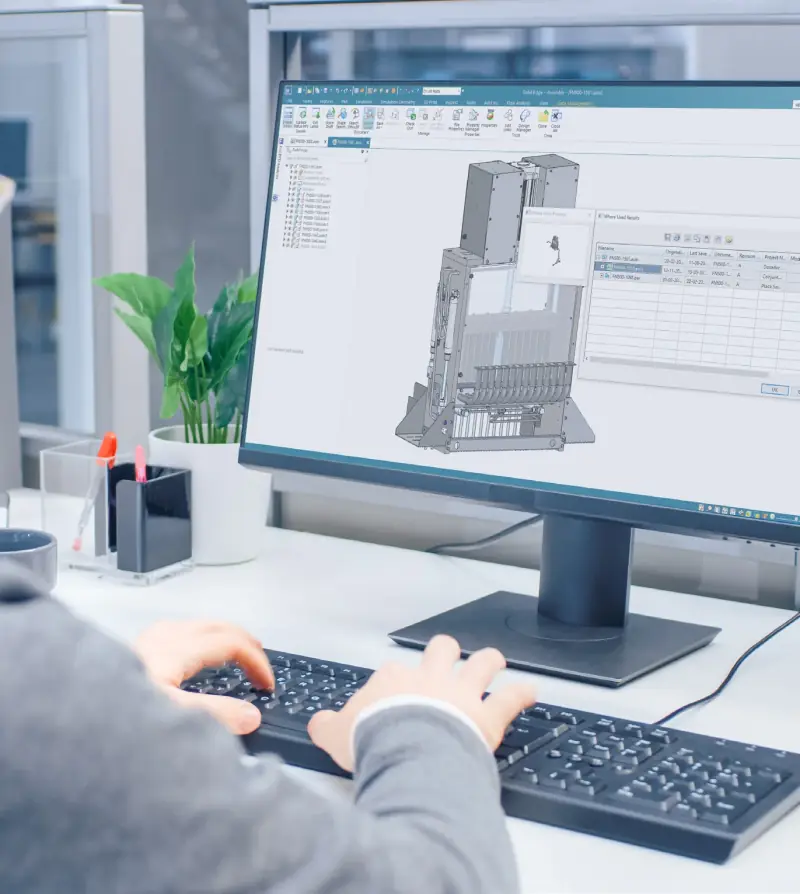
Built-in data management and cloud collaboration for designs, revisions and documents, with a path to Teamcenter as you grow.
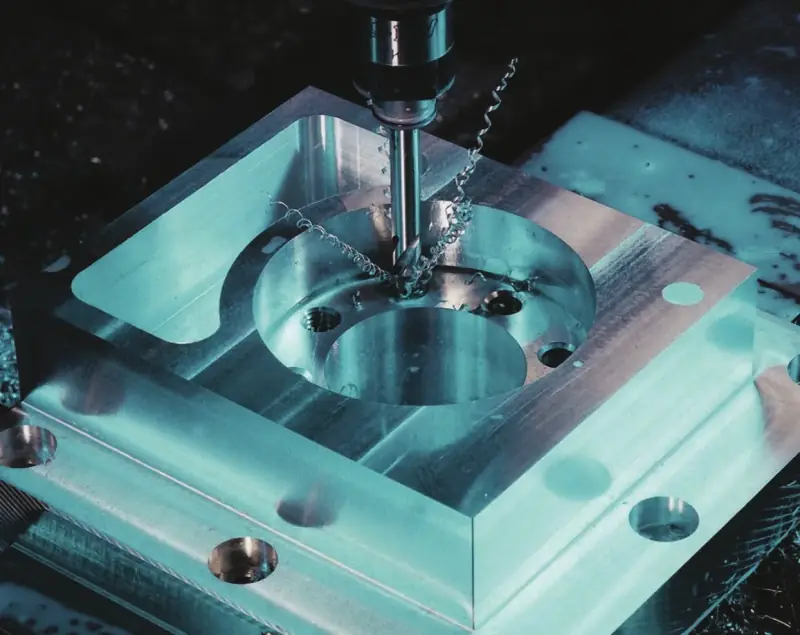
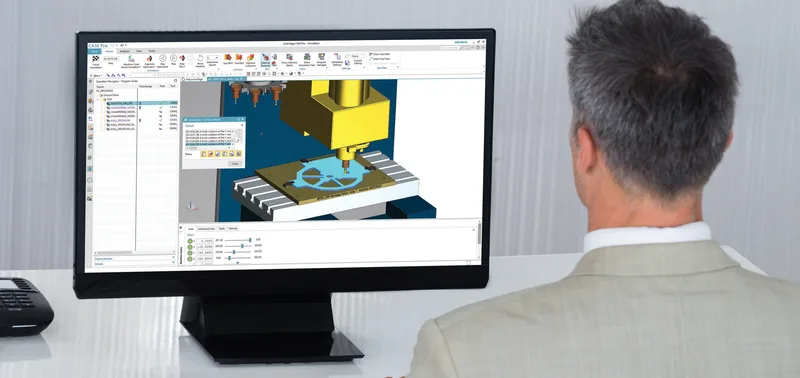
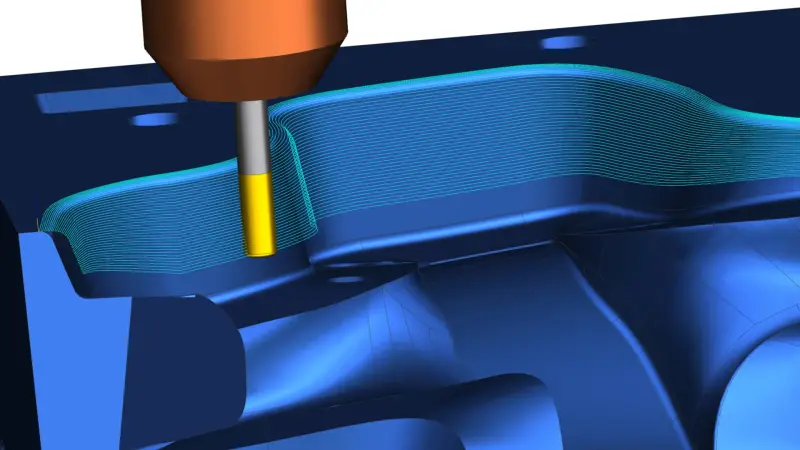
CNC machining, sheet-metal nesting and cutting, bending, moulding and welding defined directly from the design.
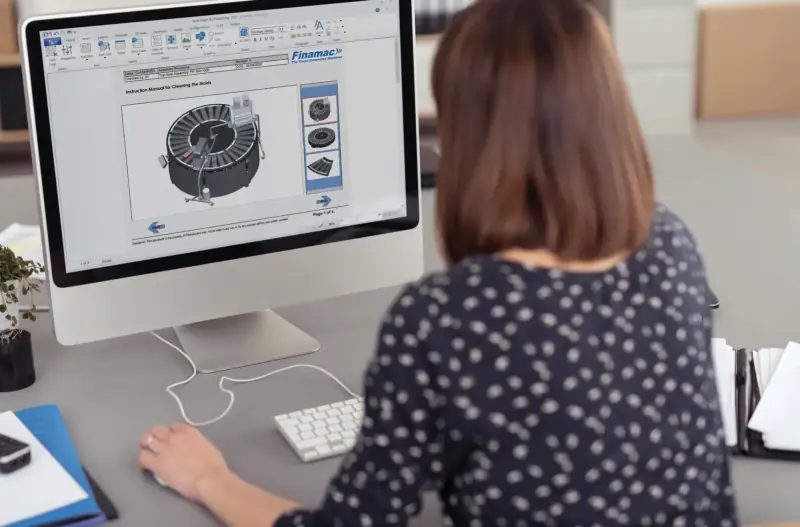
User-manual illustrations and interactive service guides generated from the 3D model, updated when the design changes.
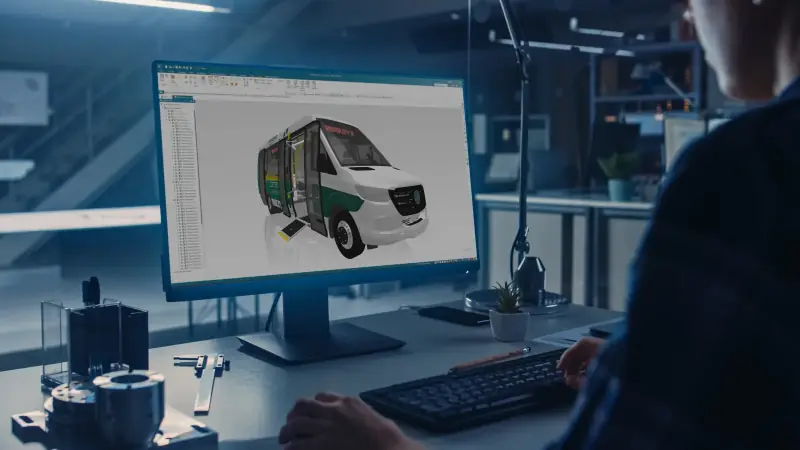
New 3D design features, automated drawing creation and AI-powered assembly modelling, plus tighter integration with Simcenter, Teamcenter and the rest of the Siemens Xcelerator portfolio.

AI tools act as a design copilot: intent-driven modelling, conversational help and automated features remove repetitive work while the engineer stays in control of every decision.

Designcenter X Solid Edge delivers the same Designcenter Solid Edge as a secure SaaS subscription with automatic updates and built-in cloud data management, so teams collaborate from anywhere with less IT.
Extend Designcenter Solid Edge with the modules your work needs. Most are licensed through value-based tokens, so you use them when you need them.
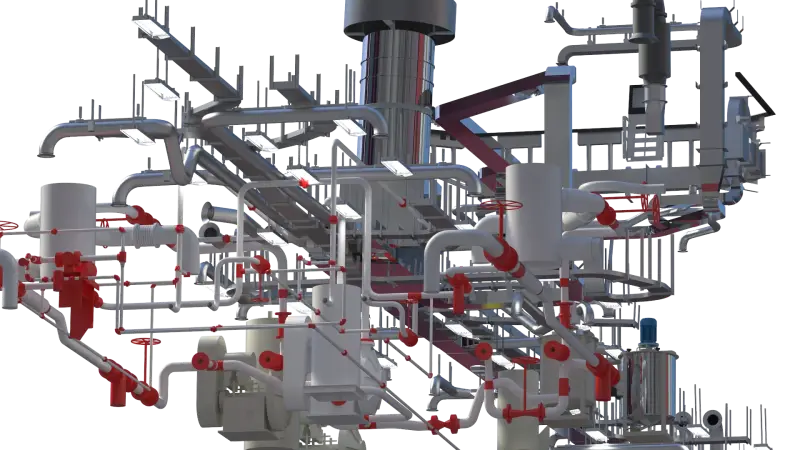
Tubing and piping routed through the assembly on associative 3D paths, with bend tables for tube-bending machines and accurate cut lists.
Fact sheetSpecification-driven 3D piping for plant modules and skids: elbows, tees, flanges and gaskets placed automatically, with isometrics and bills of materials.
Fact sheetElectrical schematics and harness designs that flow into the 3D assembly, with automated part selection, cross-referencing and manufacturing reports.
Fact sheetWires, cables and bundles routed in 3D from the schematic, with design-violation checks and correct cutting lengths for manufacturing.
Fact sheetBoard outlines and component placement exchanged with your ECAD system through the IDX format, with a 3D view of the board inside its enclosure.
Fact sheetRule-based automation that produces each customer's variant, drawings and BOM automatically, for configure-to-order and engineer-to-order work.
Fact sheetTopology optimisation that finds the lightest shape for given loads, materials and constraints, ready for 3D printing or conventional manufacturing.
Fact sheetBuilt-in finite element analysis based on Simcenter Femap: stress, deformation, frequencies, buckling, heat transfer and vibration, with automatic meshing.
Fact sheetCNC programming for Solid Edge parts and assemblies: milling, turning and feature-based machining with machine simulation and post-processors.
Fact sheetAutomatic ballooning of critical characteristics from 3D PMI and drawings, with first article inspection reports.
Fact sheetComplete product definition on the 3D model, published as 3D PDF and STEP AP242, so suppliers work without 2D drawings.
Fact sheetIllustrations, work instructions and spare-parts catalogues created directly from the 3D model, published as 3D PDF or HTML5.
Fact sheetFasteners, bearings, structural steel and pipe fittings in a managed library, placed correctly sized into assemblies.
Fact sheetFree 2D drafting from Siemens with AutoCAD and SolidWorks file translation, a low-risk way to start with Solid Edge.
Fact sheetTailored solutions for your industry
Synchronous editing makes changes quicker than history-based modelling.
Integrated simulation and generative design deliver lighter, validated parts.
Customers and suppliers review designs without owning the software.
Proven on very large, highly detailed assemblies where thousands of prefabricated components and several teams must stay coordinated without losing data.
Advanced visualisation and validation catch problems before manufacturing, improving quality and reducing rework.
Siemens Designcenter Solid Edge Portfolio e-Book
PDF · 8.8 MB
Fact sheets, guides and eBooks from the Knowledge Center.
Small and mid-size manufacturers that need professional 3D CAD, drawings, sheet metal, simulation and data management without enterprise complexity.
Yes. Designcenter Solid Edge imports SolidWorks parts, assemblies and drawings, and synchronous technology lets you edit imported geometry directly.
Yes. Designcenter Solid Edge is sold as a subscription through NomuTech, with updates and support included.
Yes. Built-in data management is included, and it scales to Teamcenter when you need full PLM.
Only the name. Solid Edge is now Designcenter Solid Edge, the same software, and the 2026 release adds new modelling, drawing automation and AI features on top.
Yes. Designcenter X Solid Edge is sold as a subscription with cloud data management and automatic updates. You will find it under X Portfolio in our Products menu.
No. Designcenter Solid Edge is sold in tiers, and most add-on modules are licensed through value-based tokens that you draw on when you use a module. NomuTech helps you size the token pool.
Yes. XpresRoute and Piping Design cover tubes and pipes, and the Wiring, Harness and Electrical Routing modules cover the electrical side, all inside the same assembly.
Yes. Designcenter Solid Edge 2D Drafting is free and reads AutoCAD and SolidWorks drawings, which makes it a common first step before 3D.
See how it fits the engineering challenges of your sector.
Tell us what you are building and a NomuTech engineer will get in touch.