Engineering Process Management
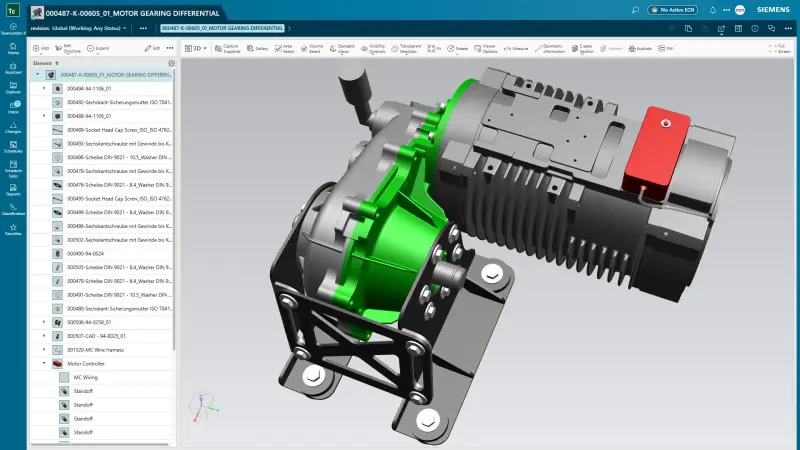
Manage CAD from Designcenter NX, Designcenter Solid Edge, CATIA, SolidWorks and Creo in one place, with check-in, revisions and release.


Product data, bills of materials, documents and changes, managed in one place.
Teamcenter is Siemens' product lifecycle management system. It holds CAD from any system, bills of materials, documents and requirements, and runs the change and release process around them, so engineering, manufacturing and service work from the same released data. Teamcenter is available on premises, on the cloud provider you choose, or as Teamcenter X, software as a service operated by Siemens, and it now includes AI-powered assistance for faster, better-informed decisions.
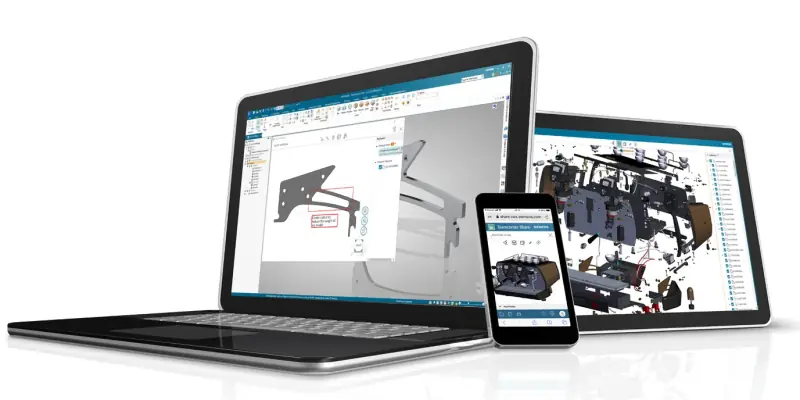
Manage CAD from Designcenter NX, Designcenter Solid Edge, CATIA, SolidWorks and Creo in one place, with check-in, revisions and release.
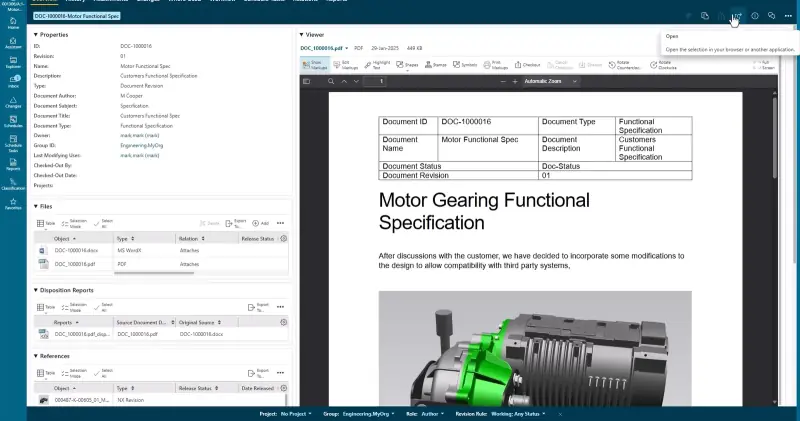
Specifications, manuals and reports stored against the product structure and kept in step with it.
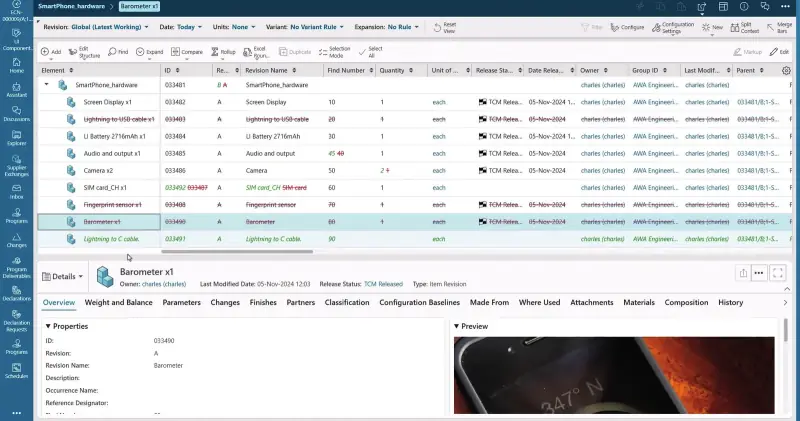
One BOM for mechanical, electrical and software content, with engineering and manufacturing views that stay aligned.
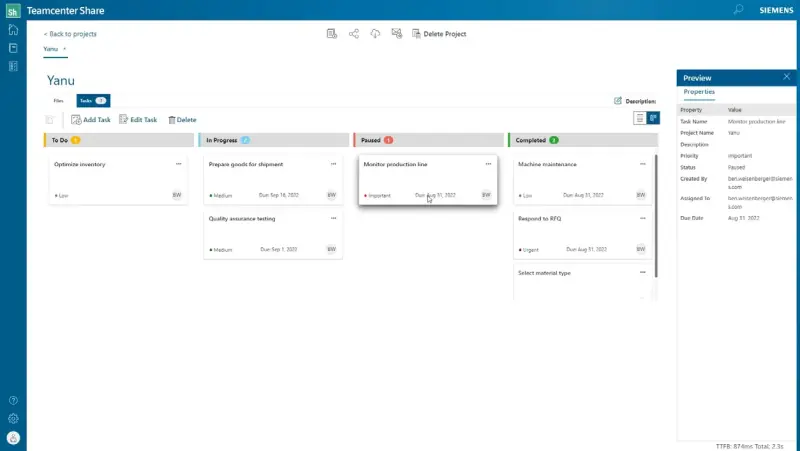
Schedules, tasks and deliverables linked to the product data they depend on.
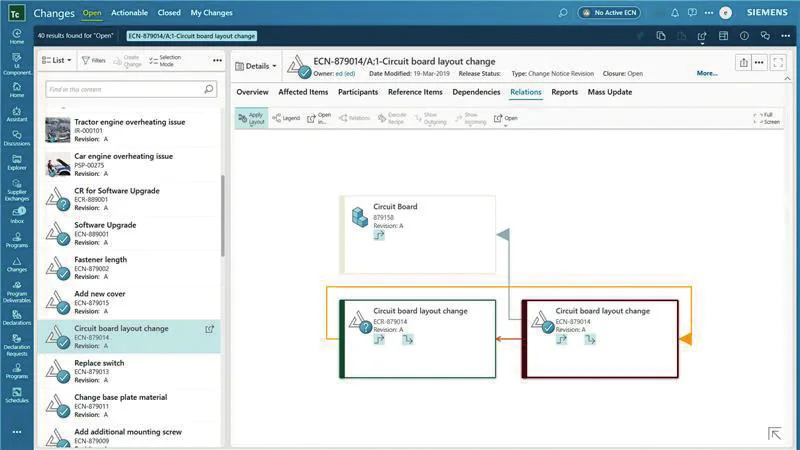
Change requests and orders run through rules-based workflows, with impact analysis across parts, assemblies and documents and red-lined BOM tracking.
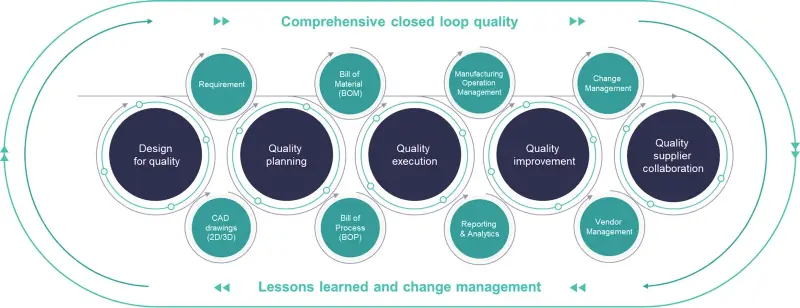
Closed-loop quality on the same PLM data: quality planning, FMEA, control plans, inspection, complaints and corrective actions from design to shop floor.
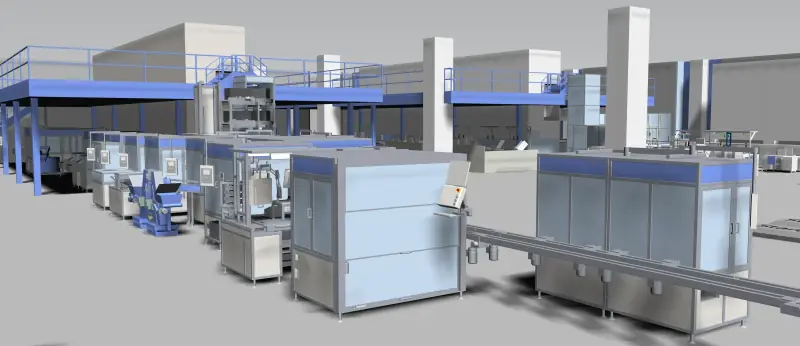
Teamcenter Easy Plan brings product definitions, process sequences, resources and work instructions into one environment: manufacturing BOMs aligned with engineering BOMs, bills of process and equipment, line and station balancing, and work instructions generated from the same planning data.
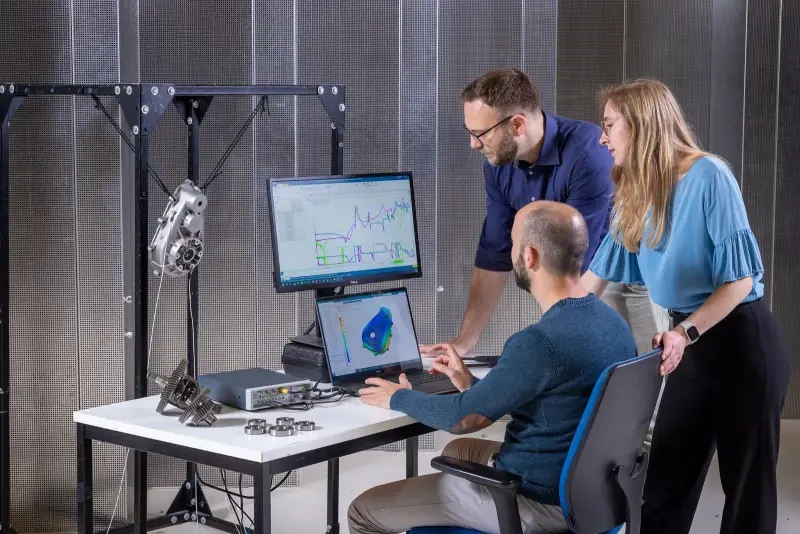
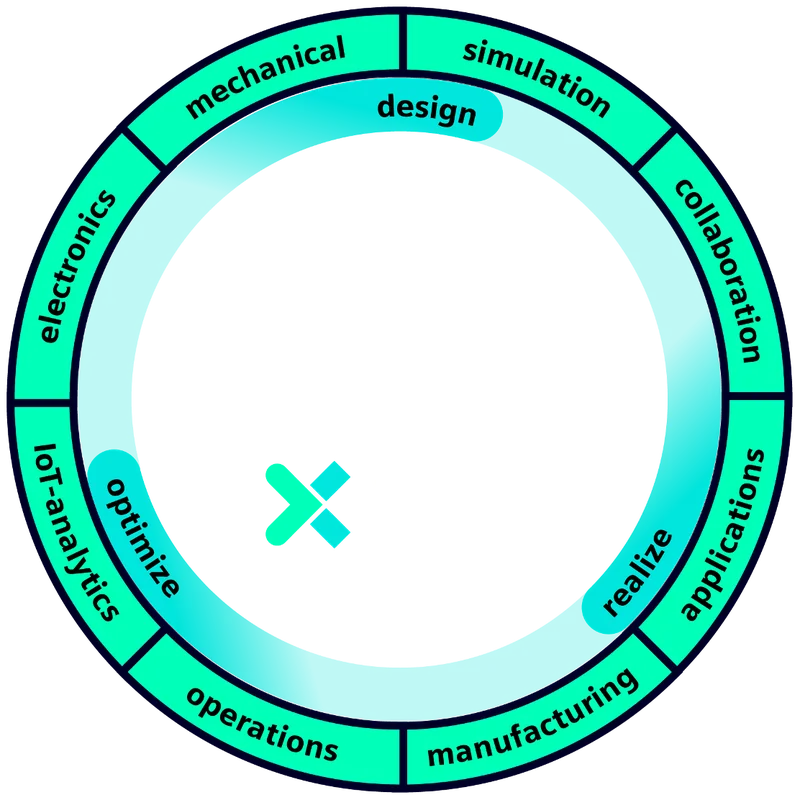
Connect designs, systems, software, simulation and visualisation around one product digital twin, so problems are found and resolved virtually before they become real.

Run Teamcenter on premises with your own IT team, on the cloud provider you choose, or as Teamcenter X, a Siemens-operated SaaS that is instant-on with predictable operating cost and minimal infrastructure.
Teamcenter grows with you: start with the licences your engineers need, add modules as processes mature.
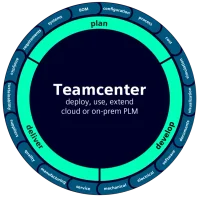
The everyday licence for engineers: search, 3D visualisation, create and revise items, BOMs and datasets, take part in workflows and reviews.
Fact sheetProblem reports, change requests and change notices with rules-based workflows, red-lined BOM tracking and full impact analysis across parts and documents.
Fact sheetSchedules generated from templates, tasks linked to the product data they depend on, gate reviews and dashboards for every programme.
Fact sheetOne feature dictionary and rule set for all product variants, applied consistently to engineering and manufacturing BOMs.
Fact sheetClosed-loop quality management: APQP, FMEA, control plans, inspection planning and problem solving, now with Teamcenter Copilot AI assistance.
Fact sheetParametric and 3D-based cost calculation for moulds, dies and tools, from quotation to purchase price analysis.
Fact sheetProduct cost, carbon footprint and profitability calculation as a cloud service, with benchmark data and a quotation calculator.
Fact sheetMaterials managed through their lifecycle, with catalogues, compliance reporting and direct use in Designcenter NX and simulation.
Fact sheetCloud collaboration for sharing and reviewing designs with partners and customers, including task management and augmented reality.
Fact sheetManage SolidWorks parts, assemblies and drawings in Teamcenter without changing how designers work.
Fact sheetCheck-in, revision and release of Designcenter Solid Edge designs through Teamcenter, from inside Solid Edge.
Fact sheetFind and re-use data from inside the CAD tool.
Change and approval workflows run without email chasing.
One BOM from design to manufacturing planning.
Connect people across the business, automate lifecycle processes and give everyone the visibility to make better product decisions.
From start-ups to large enterprises, in automotive, aerospace and defence, industrial machinery and process industries, Teamcenter is the PLM companies build on.
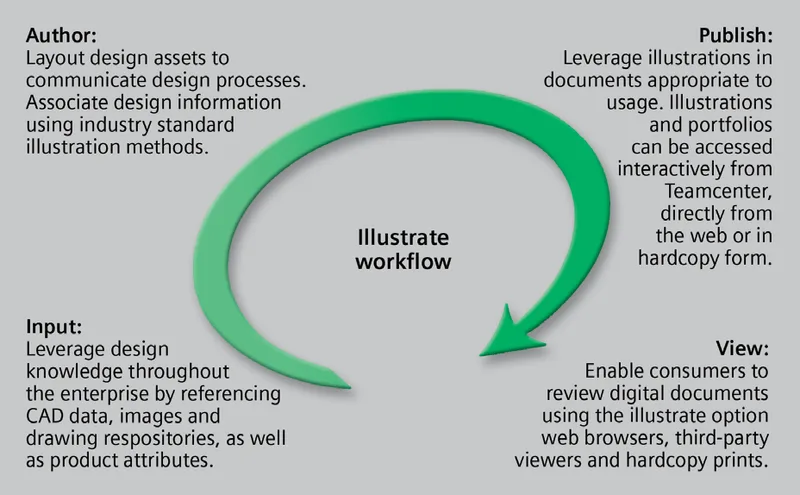
Siemens Teamcenter Lifecycle Visualization Illustrate
PDF · 1.1 MB
Fact sheets, guides and eBooks from the Knowledge Center.
Product data, CAD files from any system, bills of materials, documents, changes and processes across engineering, manufacturing and service.
No. Teamcenter Rapid Start comes preconfigured with best-practice processes, so you start from proven workflows and adapt only what is specific to your business.
Yes. Teamcenter runs on premises, in your cloud or as a Siemens-operated service.
Yes. We provide administration, upgrades, training and 24/7 support from Abu Dhabi and Dammam.
Smaller teams and companies without PLM infrastructure usually start with Teamcenter X. Organisations with strict hosting requirements or existing data centres run Teamcenter on premises or on their own cloud. NomuTech helps you compare both and migrate later if your needs change.
Yes. Teamcenter Easy Plan supports engineer-to-order, build-to-order and configure-to-order manufacturing, with role-based views for planners, manufacturing engineers and shop-floor stakeholders.
Most engineers use the Teamcenter Author licence, which covers creating and managing data, BOMs and workflows. Viewers and approvers use lighter licences. NomuTech maps roles to licences during implementation.
Yes. Teamcenter integrates with SolidWorks, Solid Edge, Designcenter NX, CATIA, Creo and Inventor, so mixed CAD environments are managed in one place.
Yes. Teamcenter Quality adds APQP, FMEA, control plans, inspection and problem solving on the same platform, so quality data stays connected to the product.
Bundles and programmes that include this product.
See how it fits the engineering challenges of your sector.
Tell us what you are building and a NomuTech engineer will get in touch.