Designcenter NX, delivered differently
Designcenter X is Designcenter NX on subscription. The software, licence and updates are handled by Siemens, a new release arrives every six months, and every seat includes data management built on Teamcenter X. You can run the desktop tiers locally with your data on your own systems, with only the licensing in the cloud, or work fully in the cloud through the browser-based Essentials tier.
There are four named-user tiers built on one core, so a part, assembly or drawing opens in any of them without conversion. On top of the tiers sit a floating token pool for specialist modules, a Copilot, immersive engineering and a viewer seat for people who never model. Here is what each piece gives you.
1. Essentials: CAD, CAM and CAE in a browser
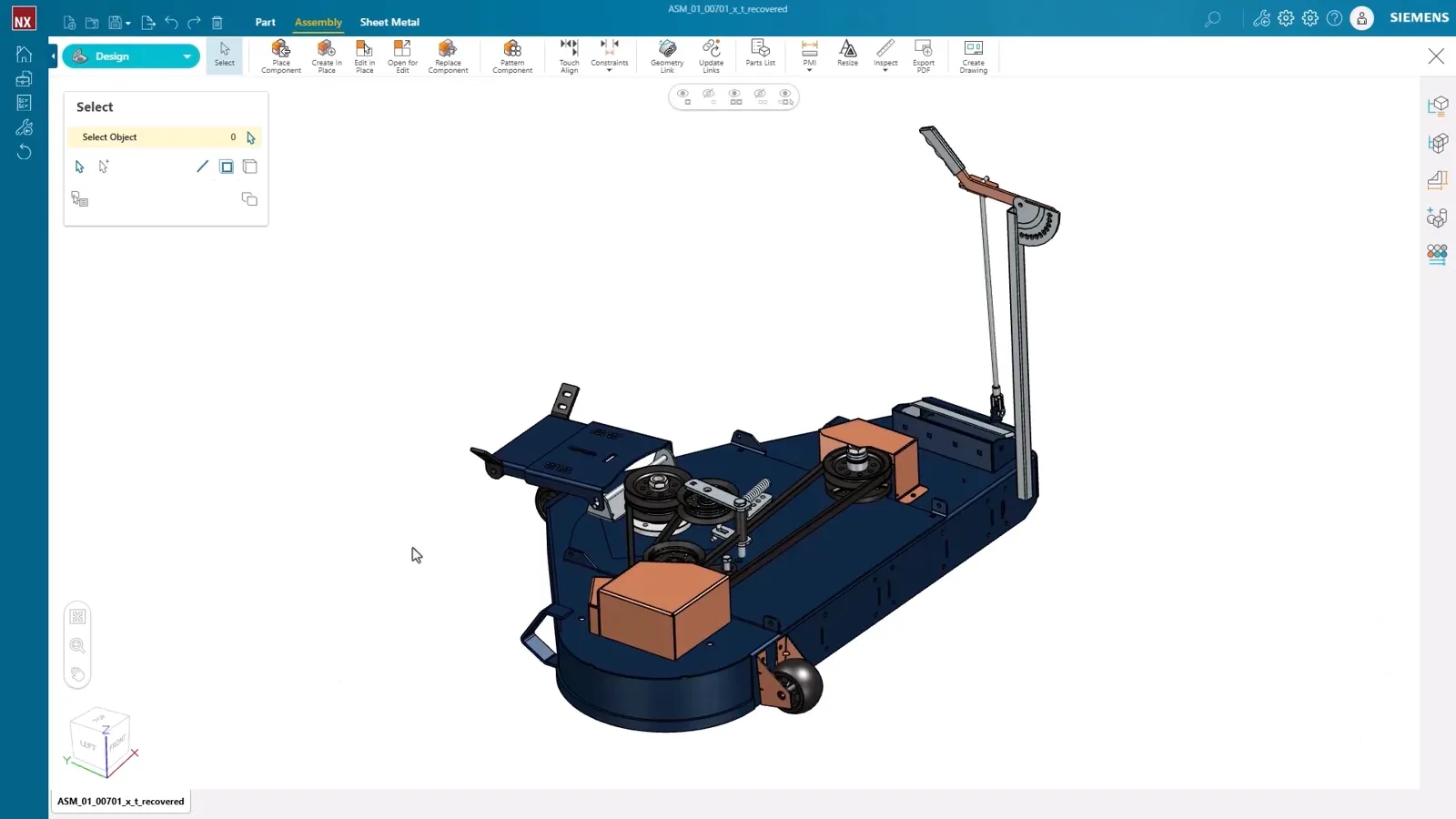
Essentials runs in a browser on any device. It opens Designcenter, Designcenter Solid Edge, SolidWorks, Inventor, Creo, Parasolid, JT and STEP files, and it models parts, assemblies and drawings with AI-predictive direct modelling, a shape library and sheet metal with automatic flat patterns. Drawings reuse the 3D PMI and are generated automatically.
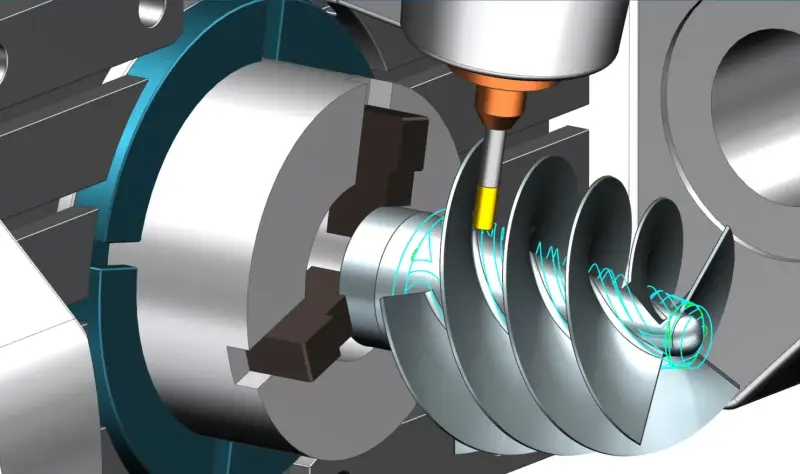
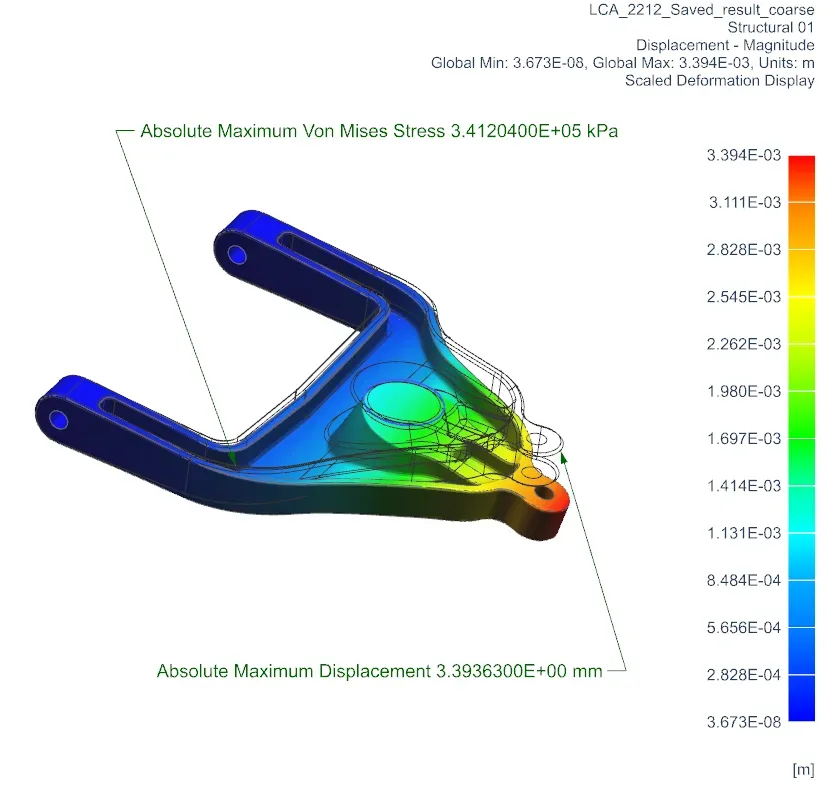
Simulation is cloud powered: linear static analysis with fixed, pinned and slider constraints, force, pressure and thermal loads, and results for stress, displacement, factor of safety, natural frequency and temperature. CAM covers 2.5-axis operations with toolpath simulation and G-code output, plus STL and 3MF export for printing.
VŪHL Automotive uses it to share designs with customers and the shop floor and reports better communication between designers, engineers and suppliers, and more accurate tracking of shop-floor changes.
2. Standard, Advanced and Premium on the desktop
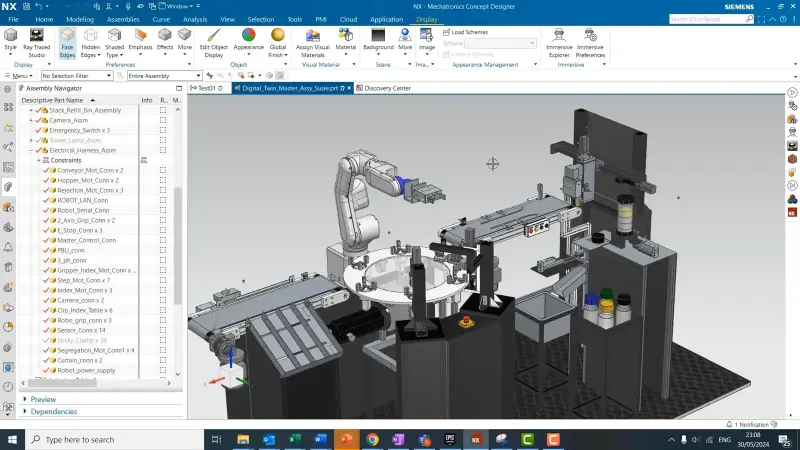
Standard covers everyday design: feature-based solid modelling, synchronous technology, convergent modelling, drafting, assemblies, basic freeform, sheet metal and HD3D visual reporting. Advanced adds Check-Mate, routing, photorealistic rendering, Visualize Shape, PMI and user-defined features. Premium adds advanced assemblies, advanced surface analysis and freeform modelling, the WAVE geometry linker, and the AI selection prediction and select similar components tools.
All three share the same Parasolid, D-Cubed, Kineo and JT stack as Designcenter NX on premise, and all three include the web editing tools from Essentials, so a designer can pick up a model on a tablet away from the desk.
Performance Predictor, the structural check for designers, is in Essentials as standard and available to the desktop tiers through the token pool.
3. Built-in data management and collaboration
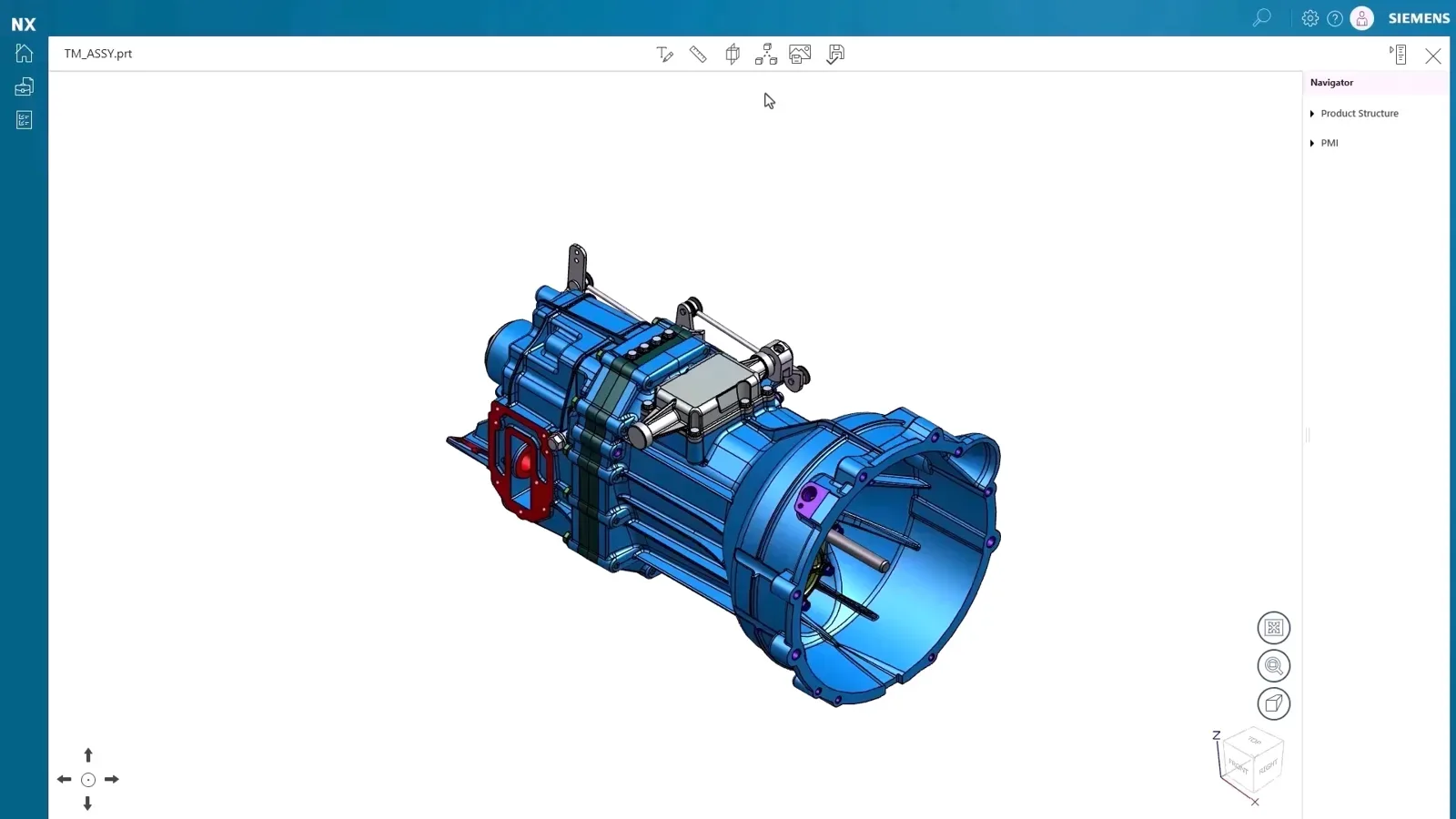
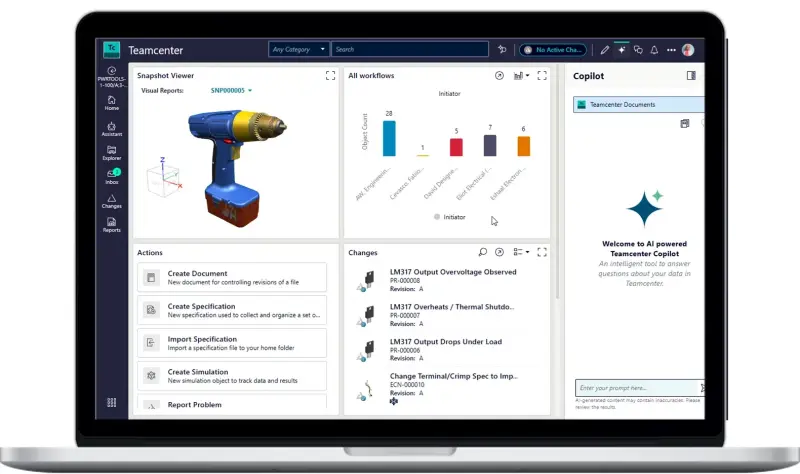
Every seat includes data management based on Teamcenter X: revisions, freeze and release, task assignment and real-time collaboration, without a server to install. Teamcenter Share provides secure, permission-based sharing with people outside the company, with view and markup on any device, task boards and augmented reality.
Companies that switched report the practical difference. Celltris in the UK told Siemens their engineers had zero crashes compared with their previous CAD system, and that the work-from-anywhere flexibility removed their concerns about licensing and data access. Helixx uses it so that the company and its partners can reach live design and manufacturing data instantly, wherever they are.
If you already run Teamcenter or Teamcenter X, Designcenter X connects to that environment instead.
4. The token pool, Copilot and immersive engineering
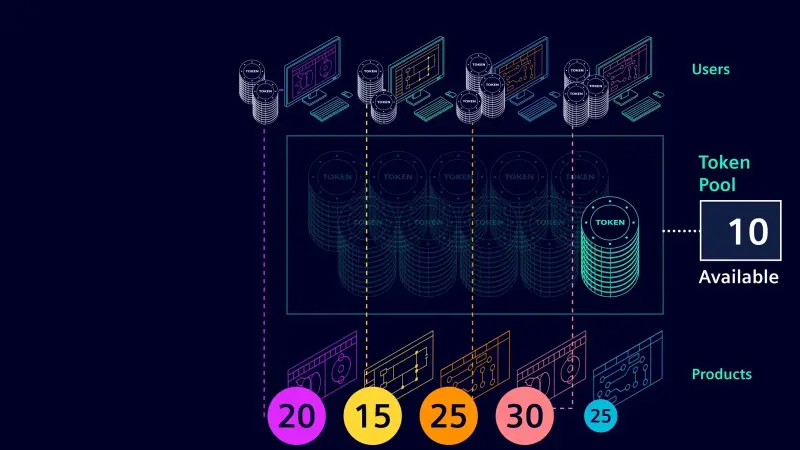
Designcenter X value-based licensing is a floating pool of reusable tokens that any seat can draw on. It opens design for additive manufacturing, designer simulation, sustainability impact analysis, ergonomics, routed systems, PDQ checkers, mechatronics, composites, immersive engineering, mould and die, data translators and industry-specific processes, and Siemens keeps adding to it.
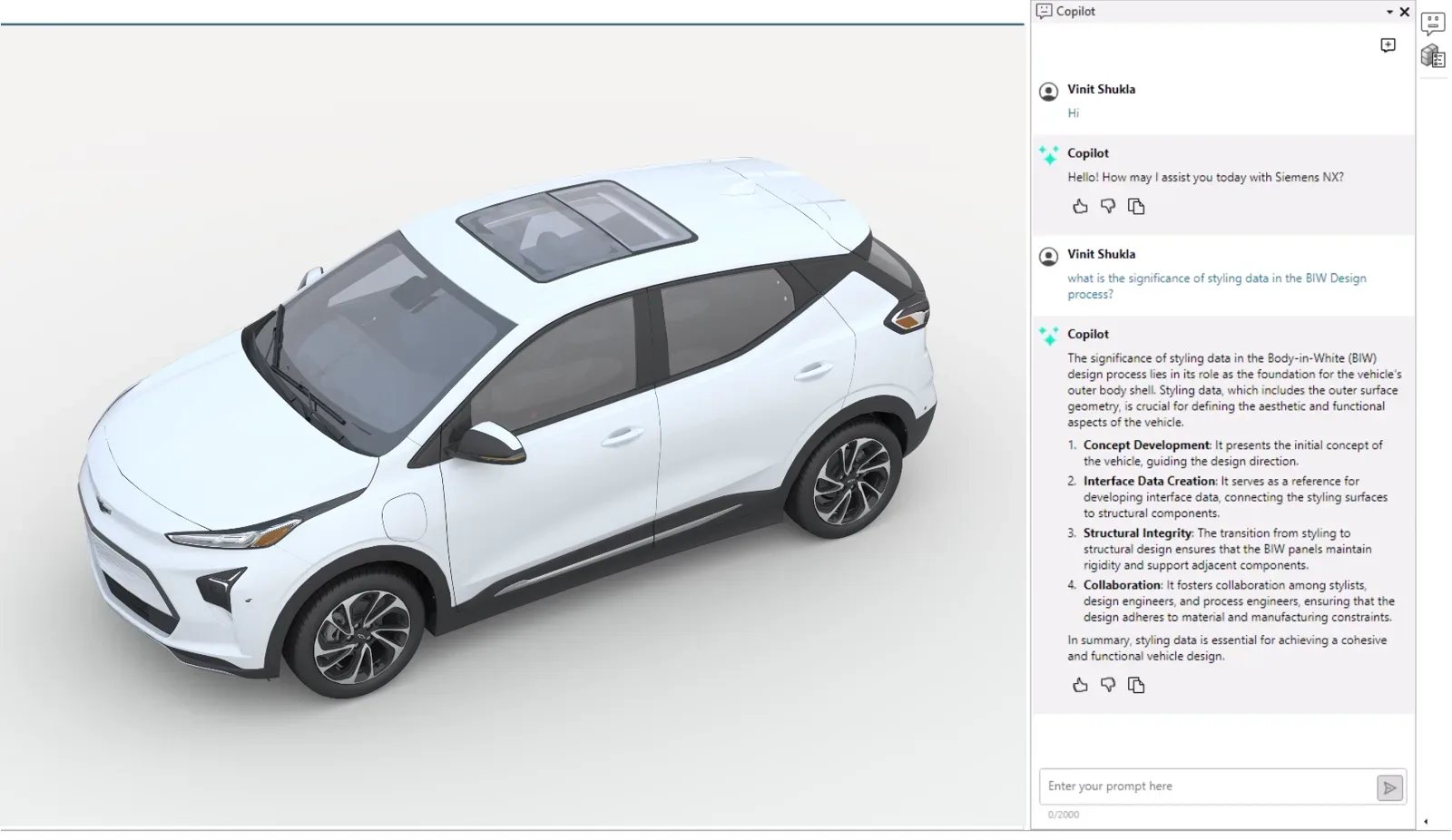
Copilot for Designcenter X lets you work in natural language: ask how to do something, automate a multi-step task, pull up validation tools or draw on documented best practice without leaving the model.
Immersive engineering comes in three parts: Immersive Explorer to walk around a design at full scale, Immersive Designer to work on it, and Immersive Collaborator for review sessions in VR or in 2D desktop mode for people without a headset.
5. Team Connect for people who do not model

Team Connect is a seat for engineering stakeholders: production, purchasing, managers and suppliers who need to inspect and decide on a design but never author one. It includes a desktop viewer for native assemblies, parts and drawings with accurate measurement, and MCD Player, which plays preconfigured mechatronics simulations so a commissioning team can check machine motion and PLC logic without a full MCD seat.
Through the token pool it adds digital mock-up with snapshots and markup for design reviews, immersive design review and MBD review. Siemens positions it as a way to bring more people into the process and make decisions faster.
It can be configured natively or with on-premise Teamcenter or Teamcenter X Standard, Advanced or Premium; a Teamcenter connection needs a Teamcenter licence.
How to get it
Designcenter X is sold as named-user subscription seats in the Essentials, Standard, Advanced and Premium tiers, with the token pool, Team Connect and immersive add-ons on top. Onboarding is three steps: your administrator sets up users in the customer admin console, users download the software from Siemens Software Center, and they sign in and work. Updates arrive the same way.
For learning, Siemens Xcelerator Academy provides self-paced online courses across Designcenter NX and the wider portfolio, and NomuTech delivers instructor-led training online or in person anywhere in the Middle East.
NomuTech supplies, implements and trains on Designcenter NX and Designcenter X across the Middle East. If you want to see which tier matches your team, or how an existing Designcenter NX installation moves across, talk to us.

Author: NomuTech
Siemens Digital Industries Software Partner