Skip to content

Install X Products

How to install Siemens X products such as Designcenter X NX or Designcenter Solid Edge through Siemens Software Center, from download to first launch.

  • 2 min read
  • Designcenter X
  • Cloud
  • Installation
  • How-to

Download "Siemens Software Center"

Visit the below link and download the software.

https://www.siemens.com/en-us/support/siemens-software-center/
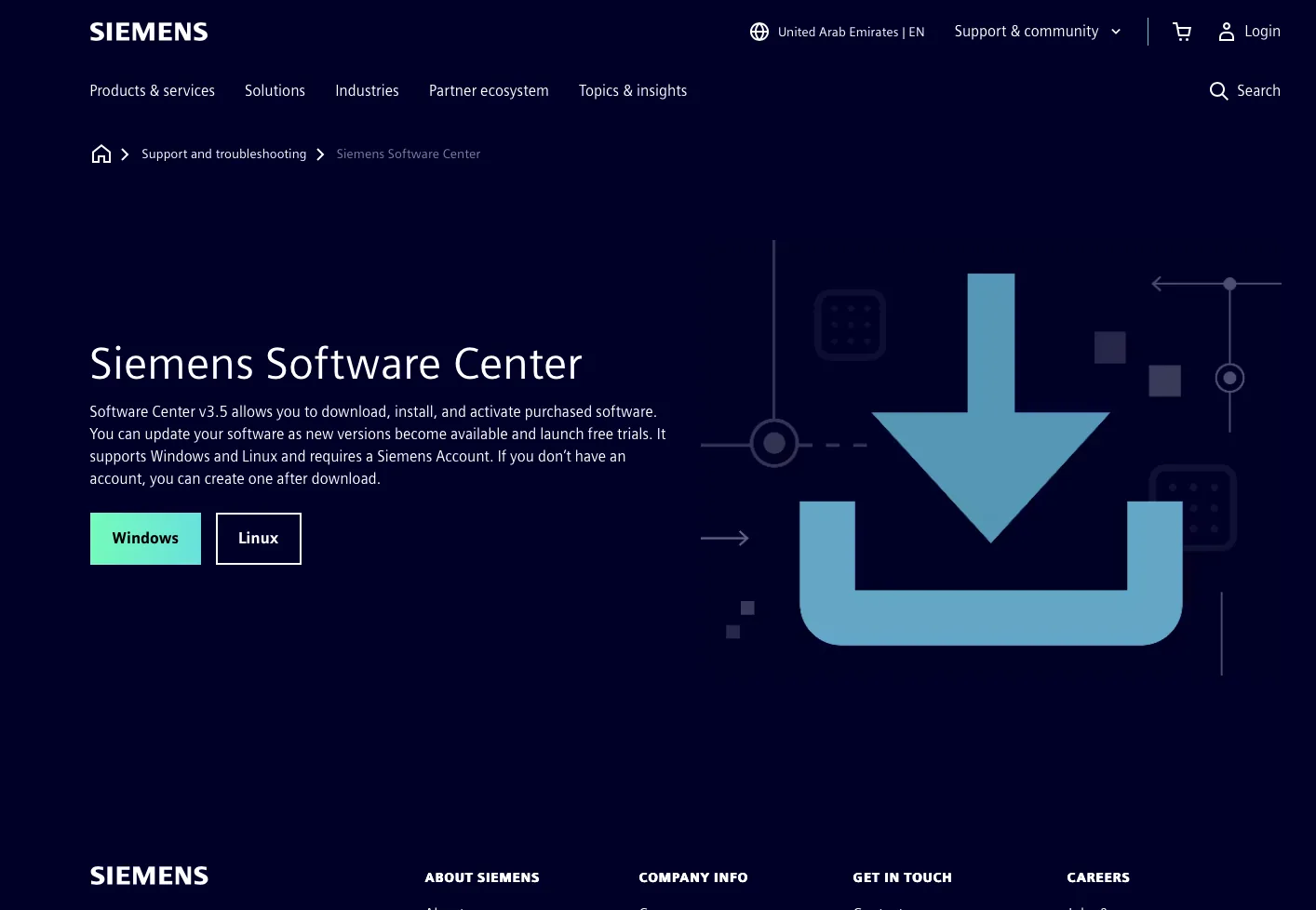
Download Siemens Software Center

Installation

Finish the installation and login using your registered Siemens account.
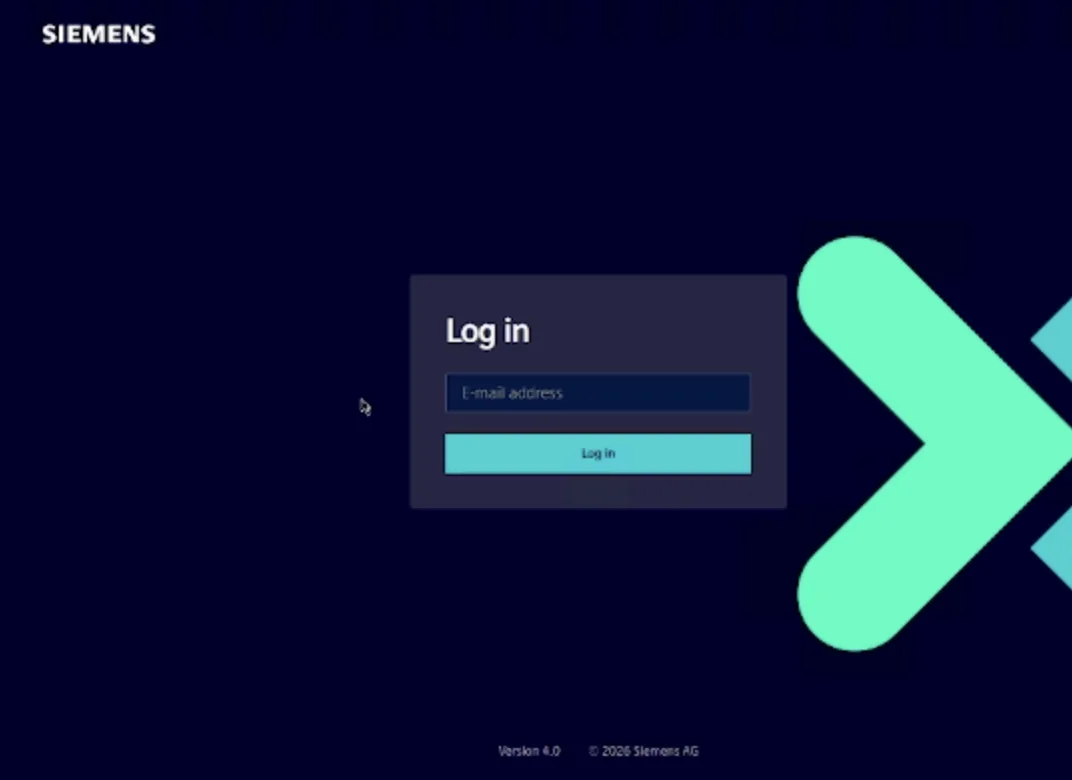
Installation

Solution selection

After finishing the installation and logging in process, you can see your products, such as Designcenter NX, Designcenter Solid Edge, etc...

Select the product you want to download and launch it.

That's all for now.
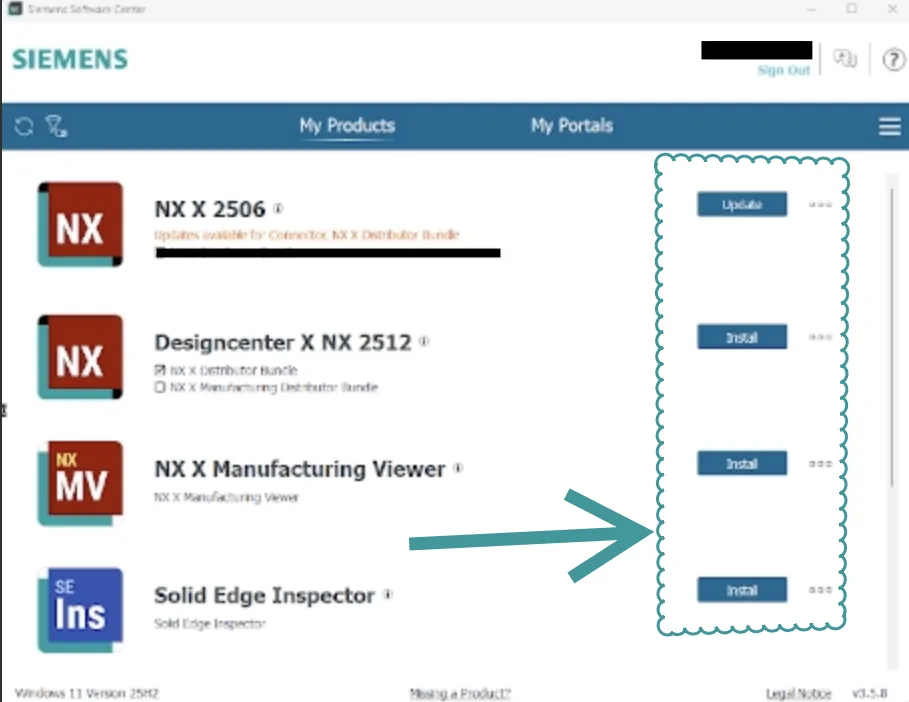
Solution selection

Author: NomuTech

Designcenter X NXDesigncenter NX in the cloud: browser or desktop, with built-in data management.See the product

Have a project in mind?

Tell us what you are building and a NomuTech engineer will get in touch.

+971 2 626 4322

Talk to an engineer

Our team of experts work closely with you to understand your business needs and develop a personalized solution.