Step 1
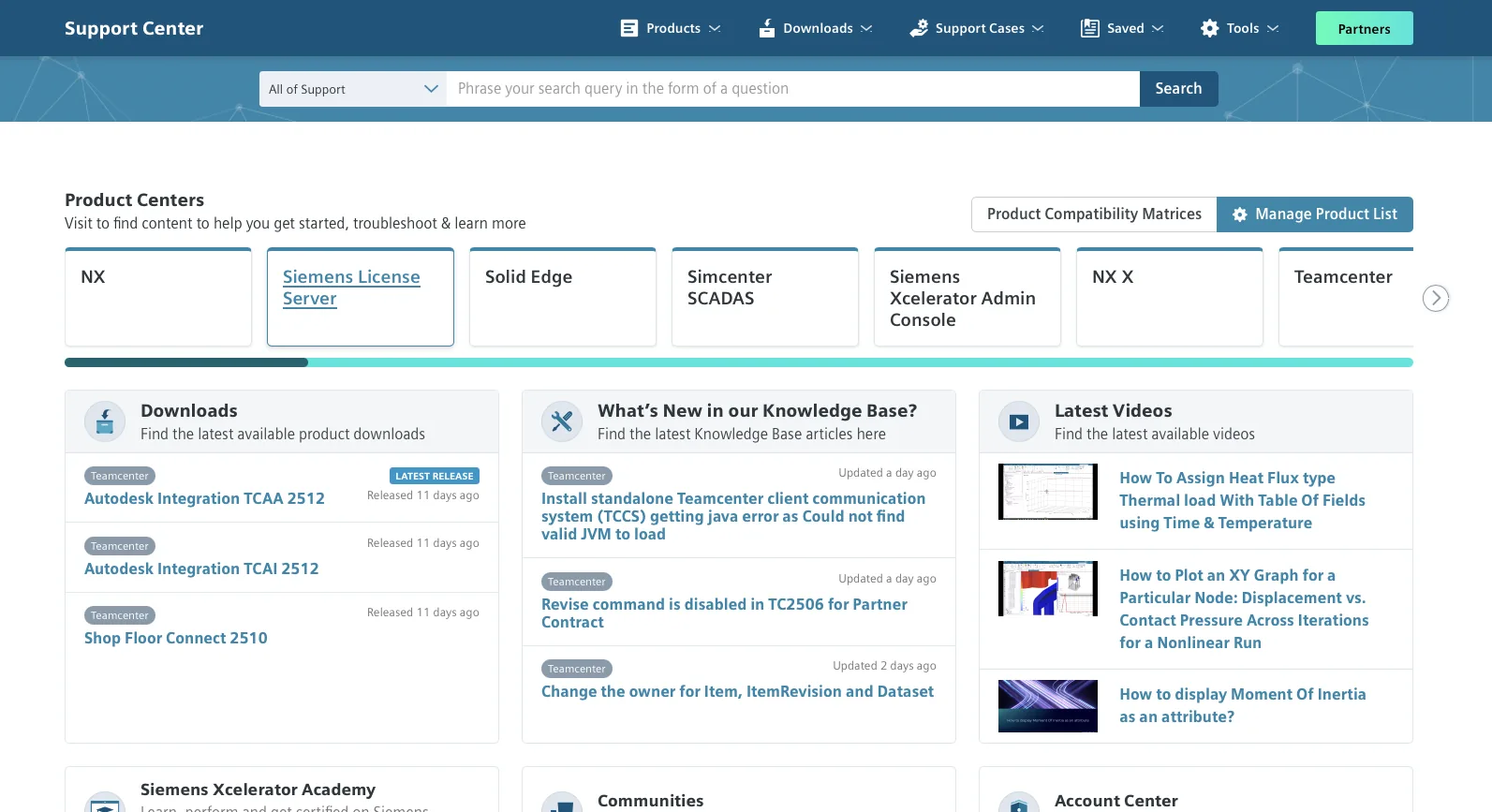
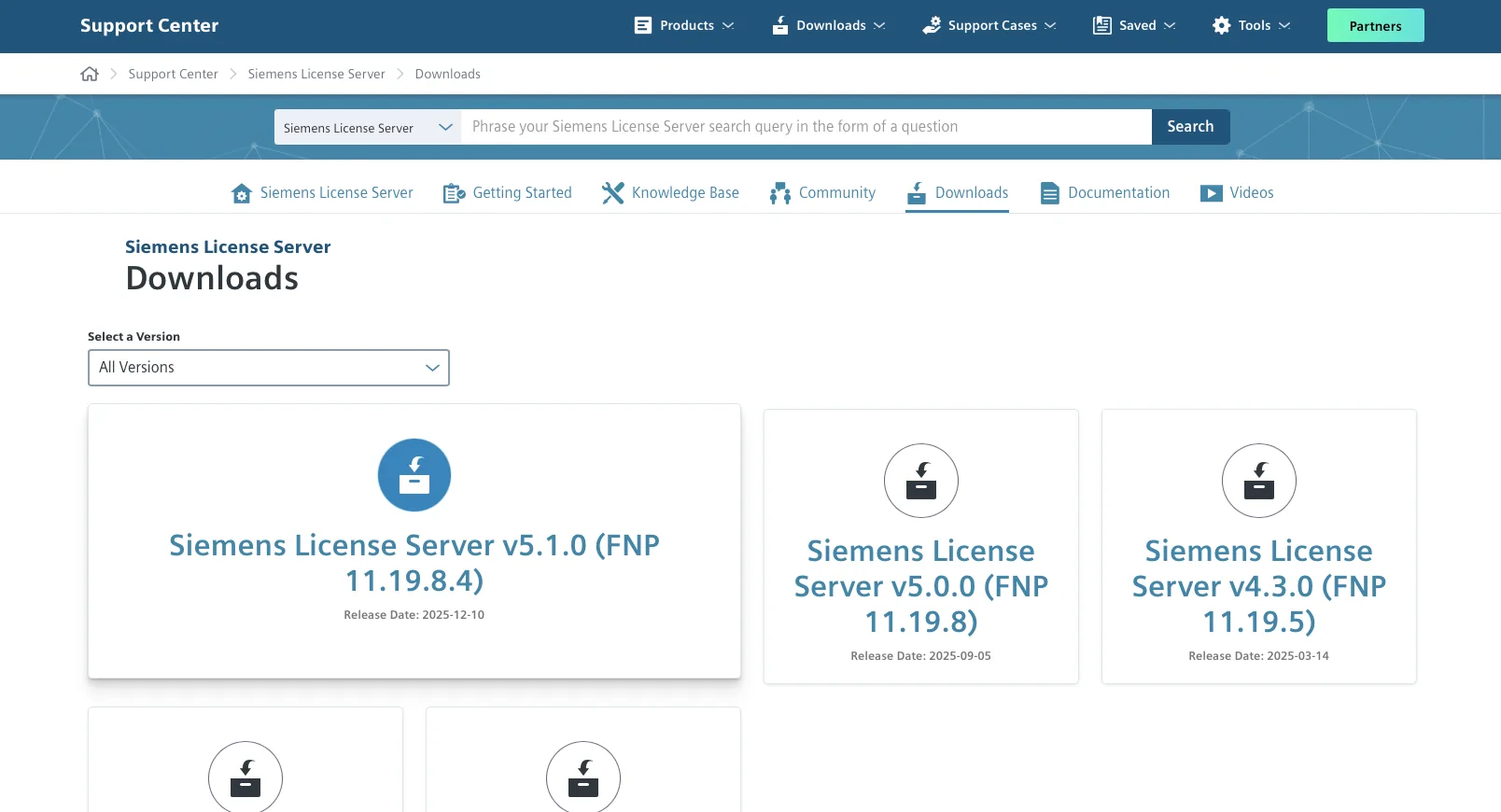
Open Siemens Support Center and find Siemens License Server
Step 2
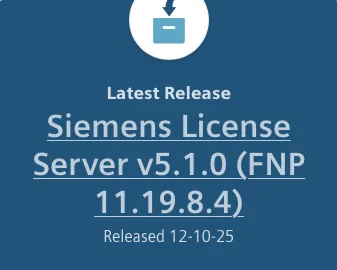
Download the latest version of Siemens License Server
Step 3
Prepare the license files which you received by email from Siemens DI SW

Step 4
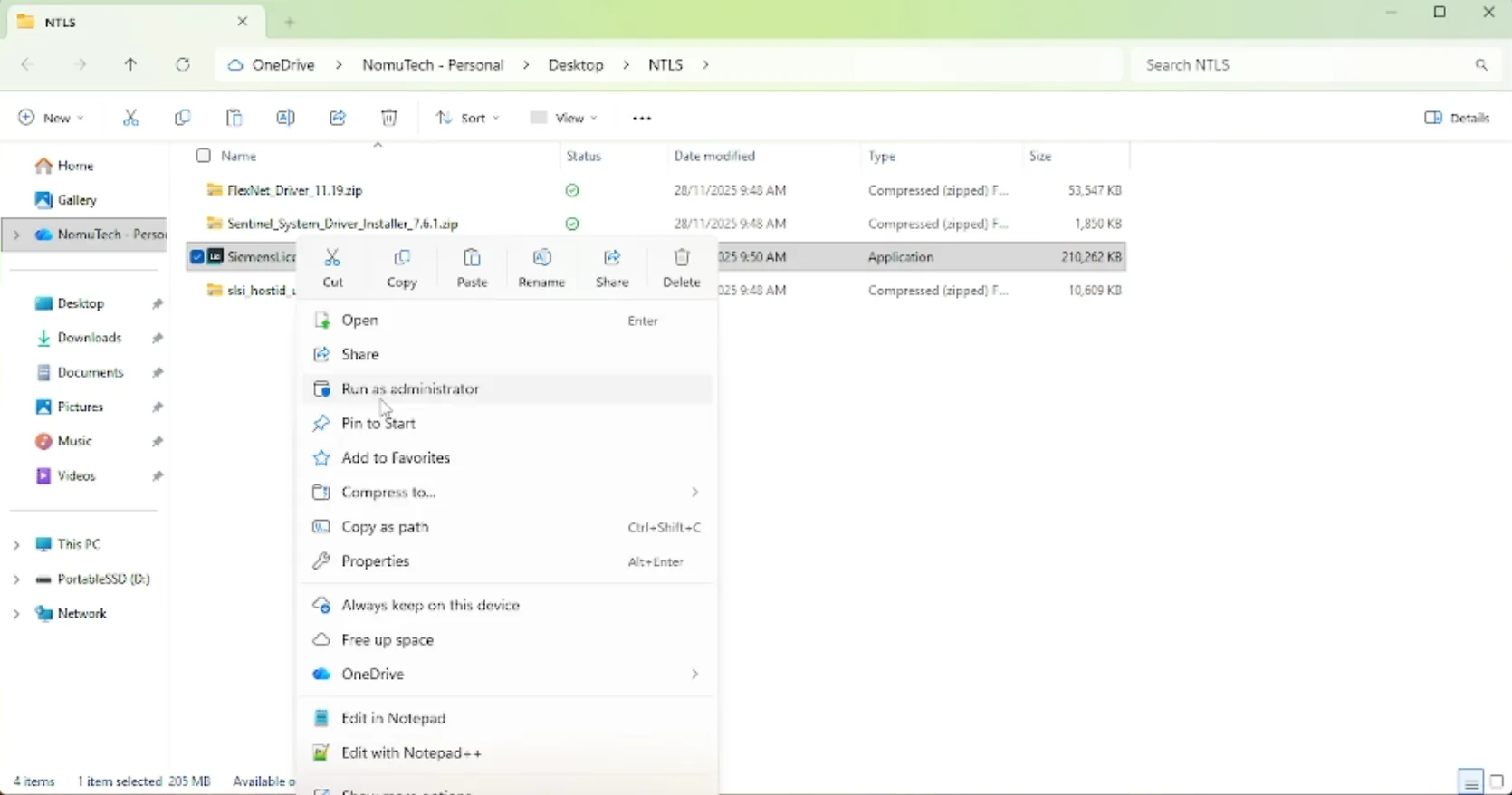
Start installation of Siemens License server as Administrator
Step 5
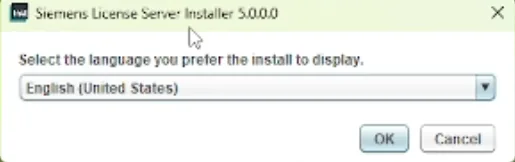
Choose the language of installation
Step 6
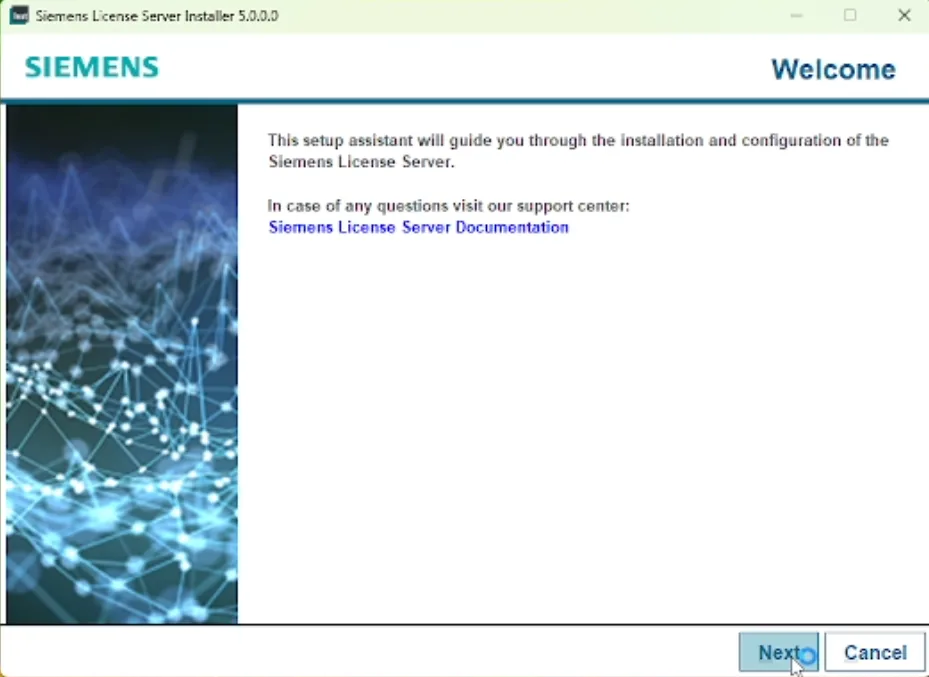
Click Next in the welcome page to move to the next step
Step 7
Import your license file
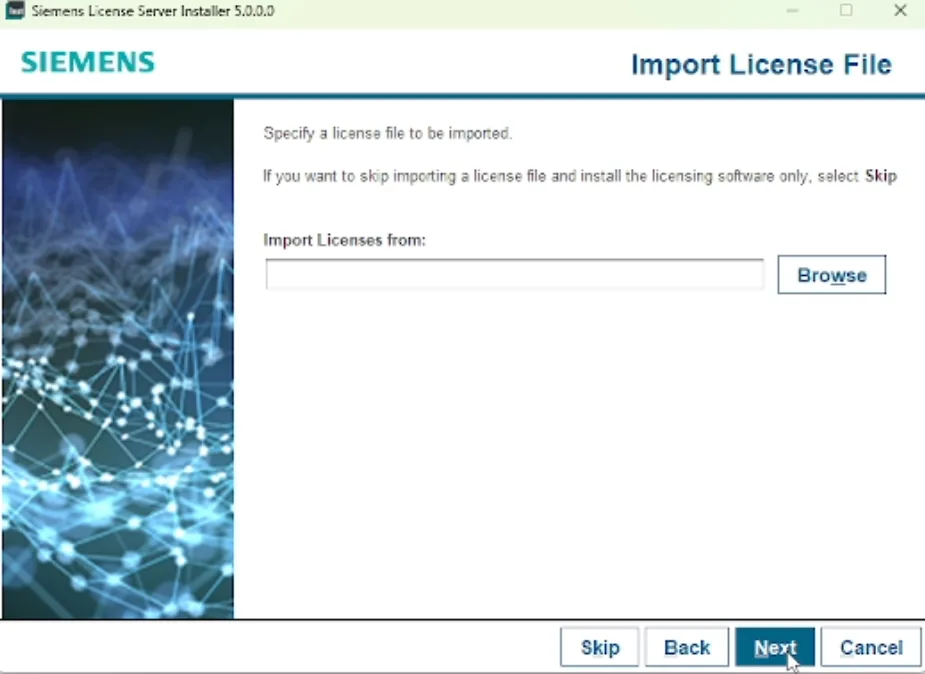
Step 8
Choose the license file you want to deploy first (order does not matter)
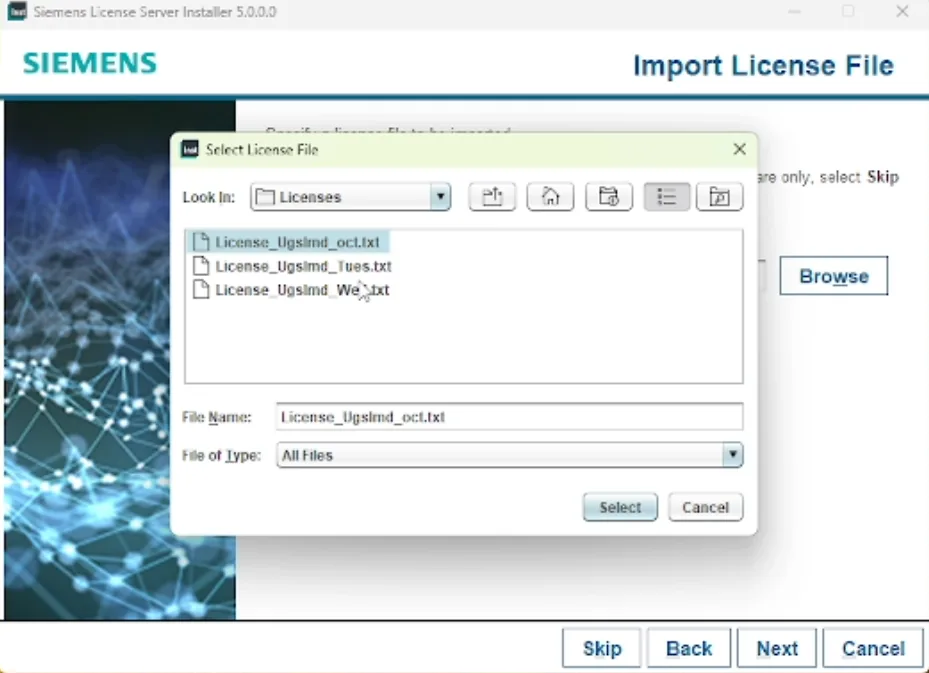
Step 9
Verify and remember your ports
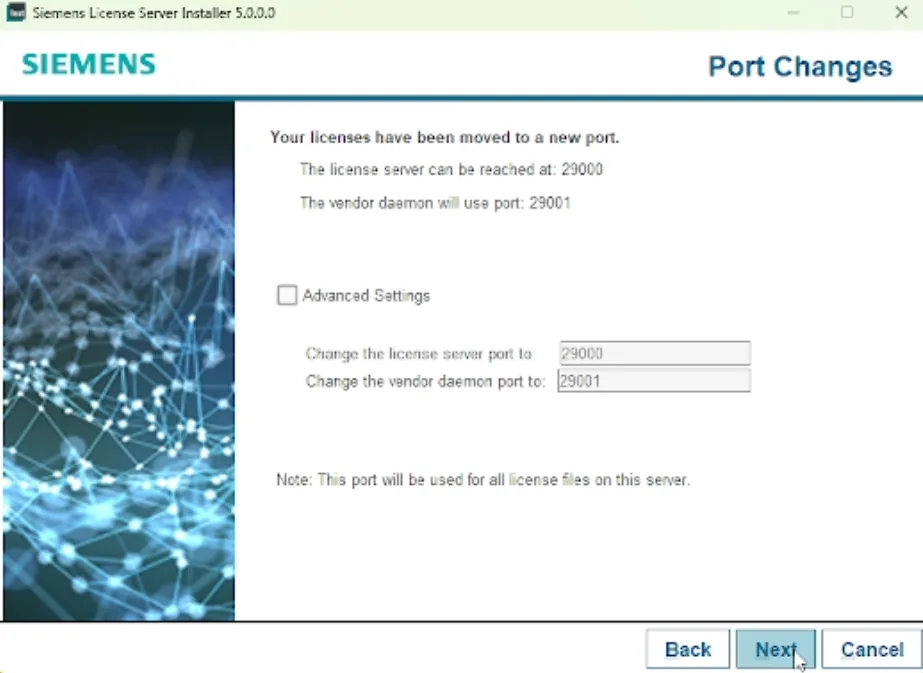
Step 10
Check “Allow license server access through local firewall”
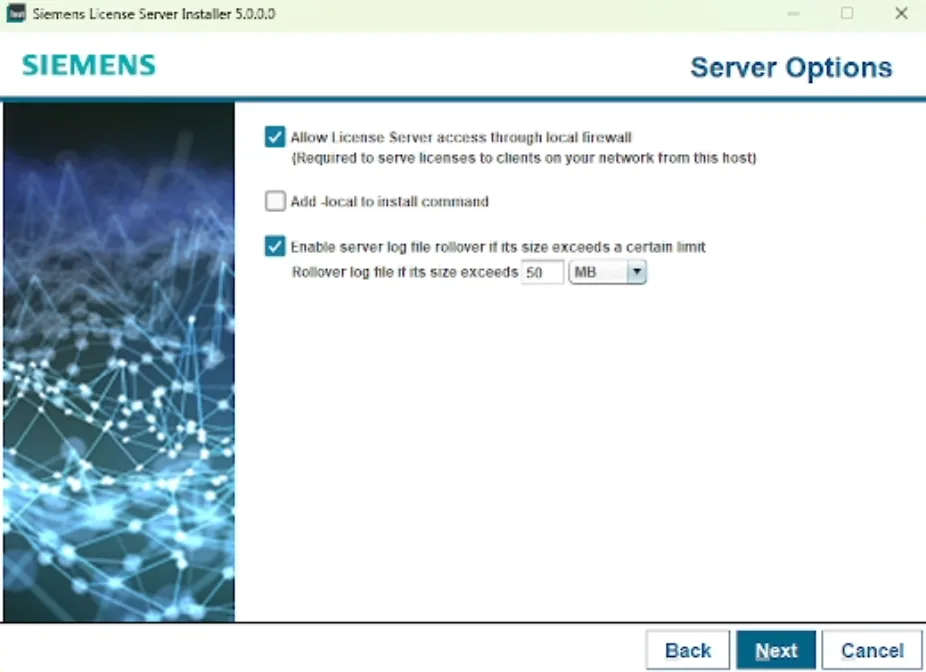
Step 11
Wait for the configuration to finish
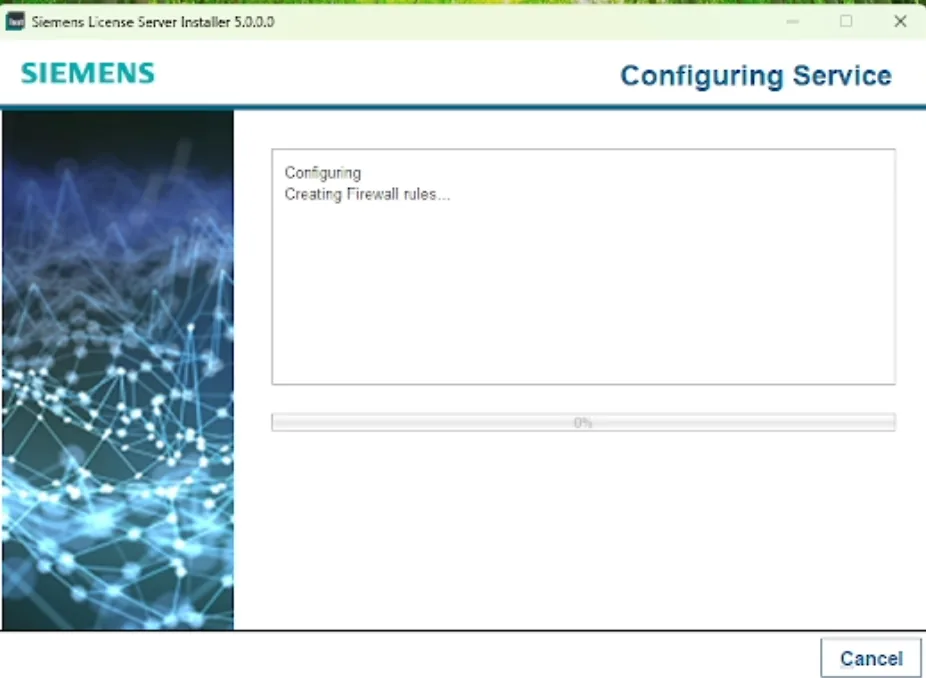
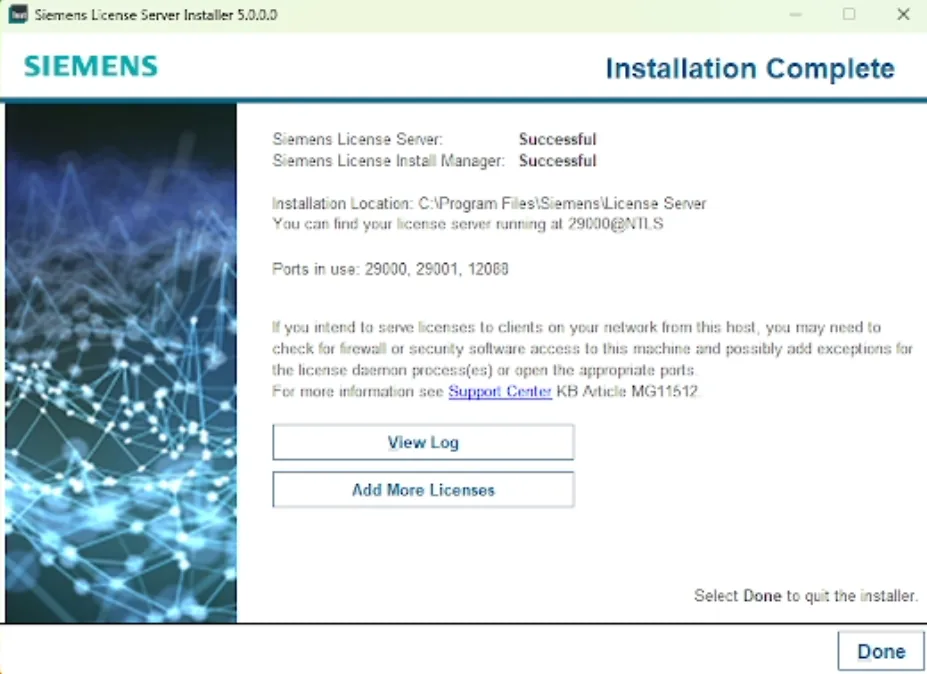
Step 12
Installation and deployment is finished successfully, you can add more license files at this step (if any)
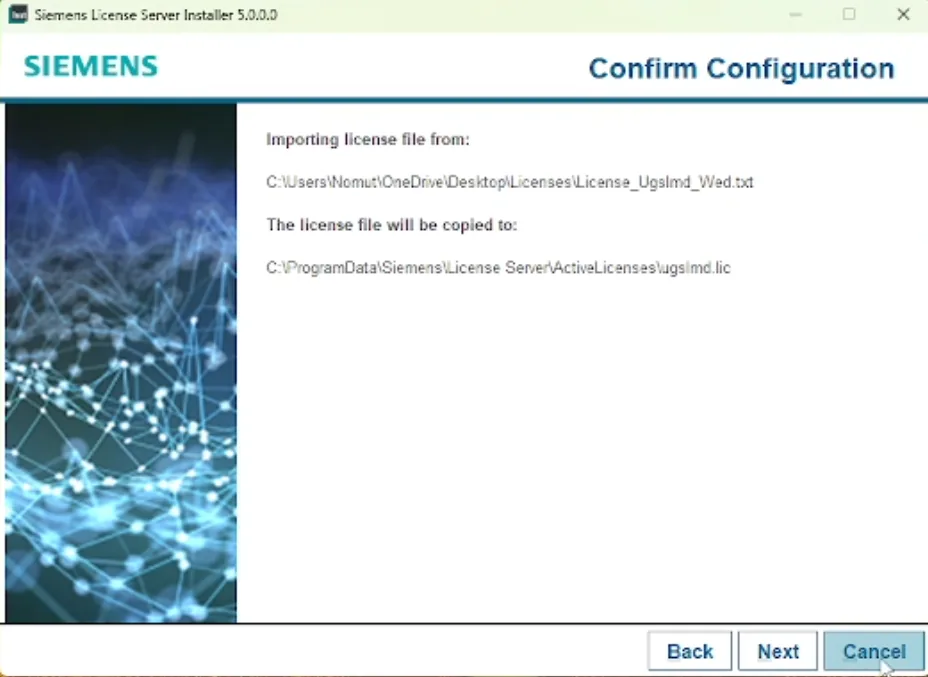
Step 13
Remember the pathway where your license files are copied to
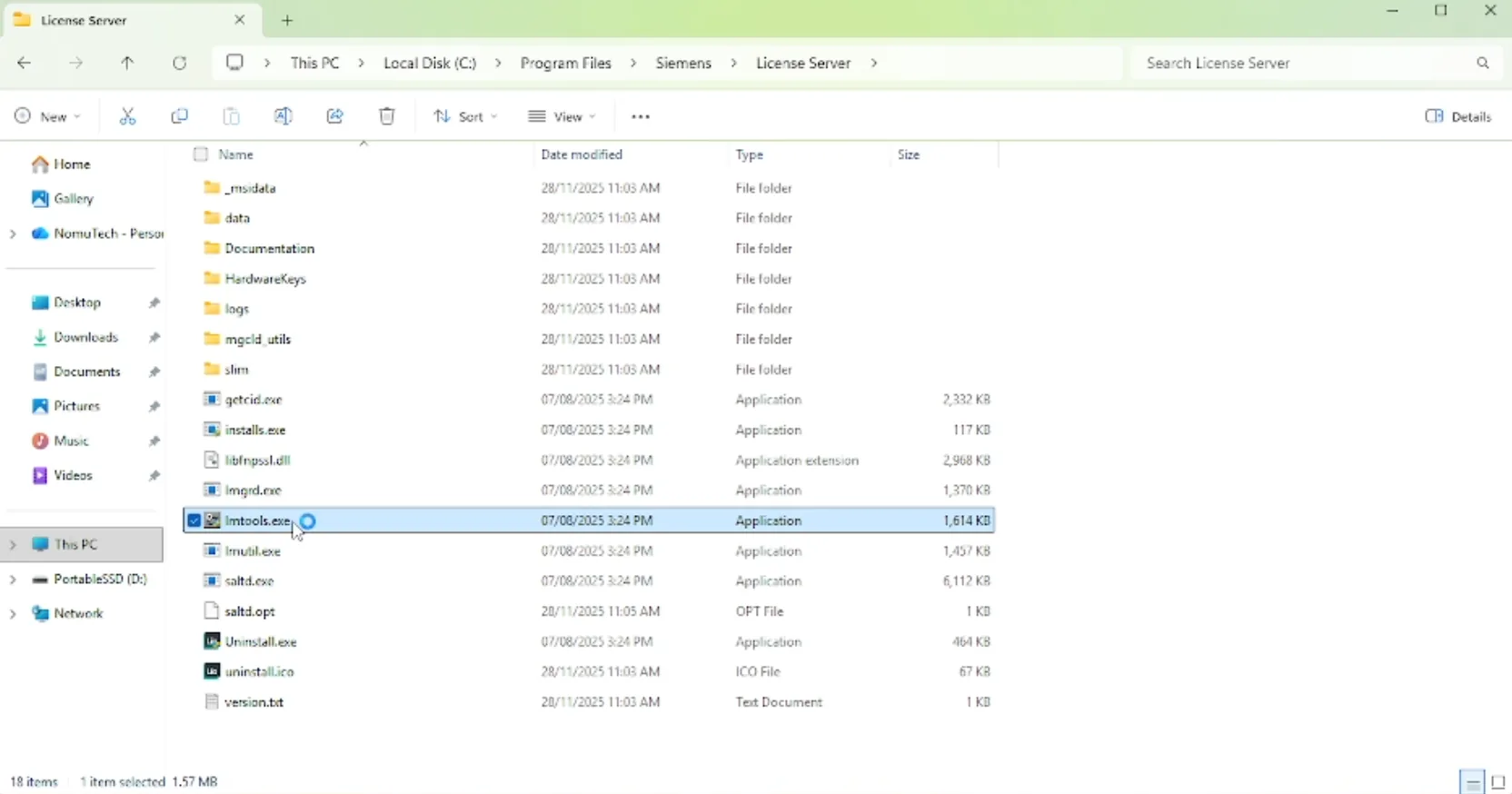
Step 14
Open “lmtools”
Step 15
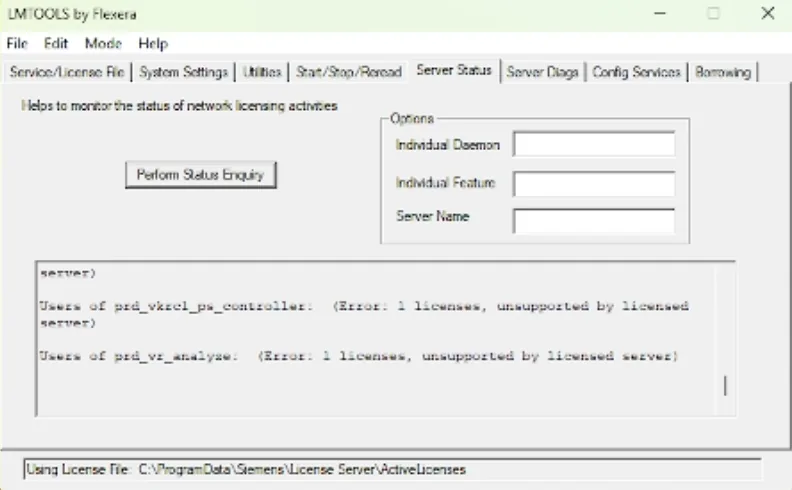
Click on “Server Status” tab and check “Perform Status Enquiry” to verify the success of licenses deployment