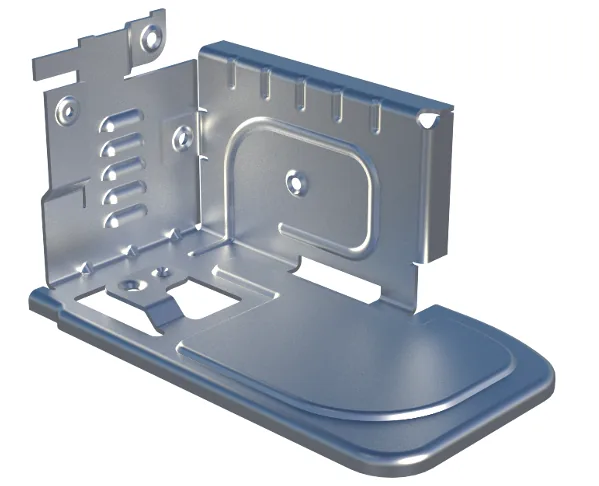
What is Sheet Metal
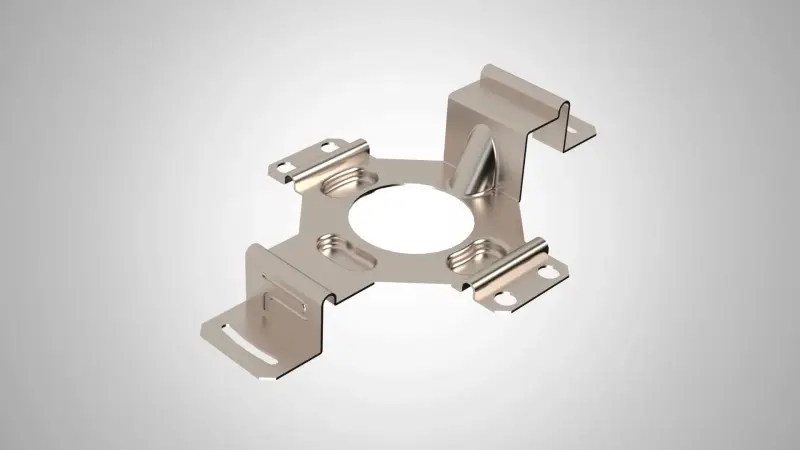
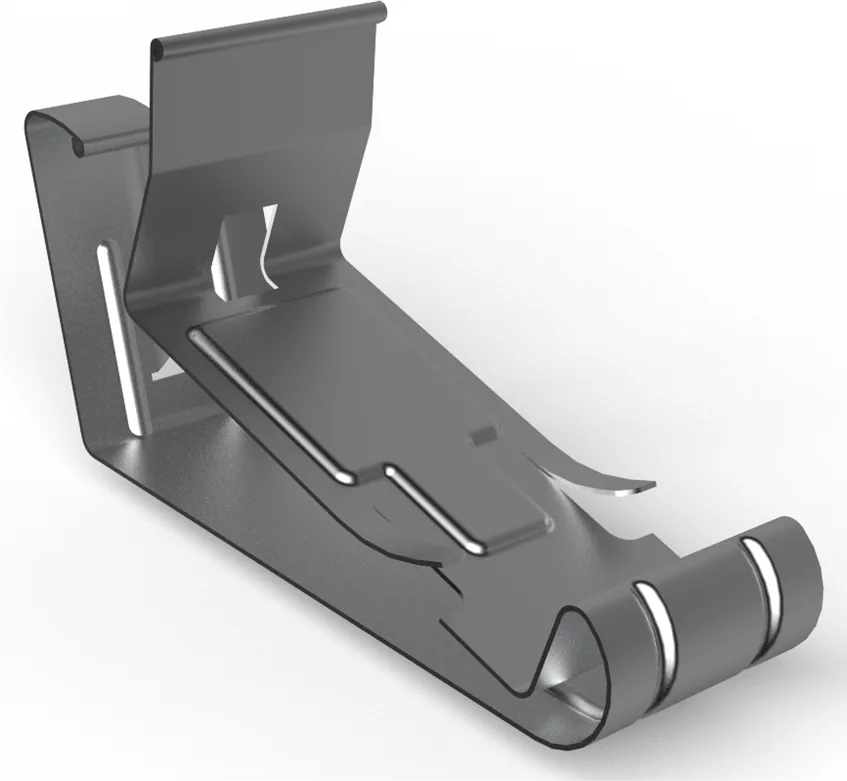
Sheet metal design is a fundamental discipline in modern engineering, enabling the creation of lightweight, durable, and cost‑effective components used across industries such as automotive, aerospace, electronics, and construction. As manufacturing evolves, digital transformation plays a crucial role in improving how sheet metal parts are conceptualized, modeled, and optimized.
Market trends
- Automation: Automation streamlines manufacturing by reducing manual effort, increasing production speed, and improving consistency across processes.
- Emerging Markets: Emerging markets offer expanding industrial demand and new business opportunities as developing economies accelerate their manufacturing capabilities.
- Additive Fabrication: Additive fabrication enables rapid, layer‑based manufacturing of complex geometries that are difficult or impossible to produce with traditional methods.
- Raw material cost: Raw material cost fluctuations directly impact manufacturing profitability, influencing design choices, sourcing strategies, and production planning.
- Reshoring: Reshoring brings manufacturing operations back to domestic locations to strengthen supply chain resilience, reduce lead times, and improve quality control.
Customer challenges
- Familiar terminology and workflows: The solution uses industry‑standard terminology and intuitive workflows, allowing designers to work efficiently without a steep learning curve.
- A fast and easy to use product: Its streamlined interface and intelligent tools make the product exceptionally fast and easy to use, even for complex sheet‑metal tasks.
- Accurate flat pattern generation: It delivers precise flat pattern outputs that ensure manufacturability and reduce errors during fabrication.
- Techniques for non-linear and complex designs: Advanced modeling techniques support non‑linear, multi‑stage, and intricate sheet‑metal geometries without compromising accuracy or performance.
Key benefits of Designcenter NX Sheet Metal
- A complete set of tools
- Familiar terminology and workflows.
- Fast and easy to use for straight brake parts.
- Design for fabrication within Designcenter NX.
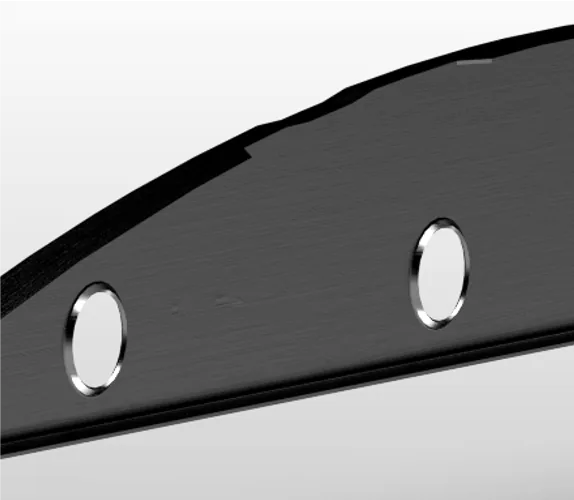
- Accurate generation of flat pattern for downstream processes.
- Advanced commands for non-linear and complex. designs typical to Automotive and Aerospace Industries.

Straight brake design
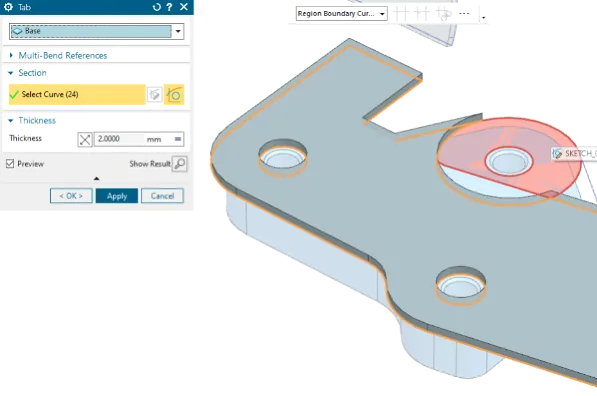
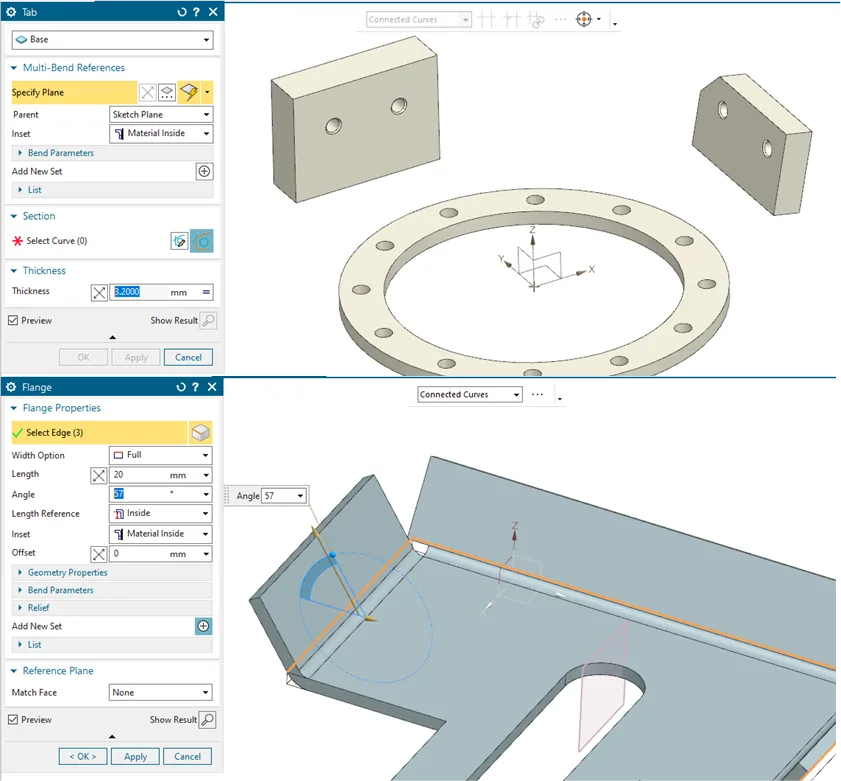
This sheet‑metal workflow supports a full range of design operations, including creating tabs, flanges, corners, punches, formed features, and flattening results. Tab tools now allow multi‑profile sketches, multi‑bend tabs, and targeting of secondary bodies for more complete designs in a single feature. Flange capabilities include multi‑instance creation along with extensive options for material inset, web length, and bend relief, with additional flange types such as Contour, Lofted, Hem, Jog, and Bridge. Corner and edge tools provide options to close corners with various shapes, apply taper transitions, and add chamfers or blends. Punch features enable the creation of complex deformation shapes typically produced by punch tools, as well as generating cutouts. All operations support straight‑brake design workflows and integrate with forming and flattening for a comprehensive sheet‑metal design experience.
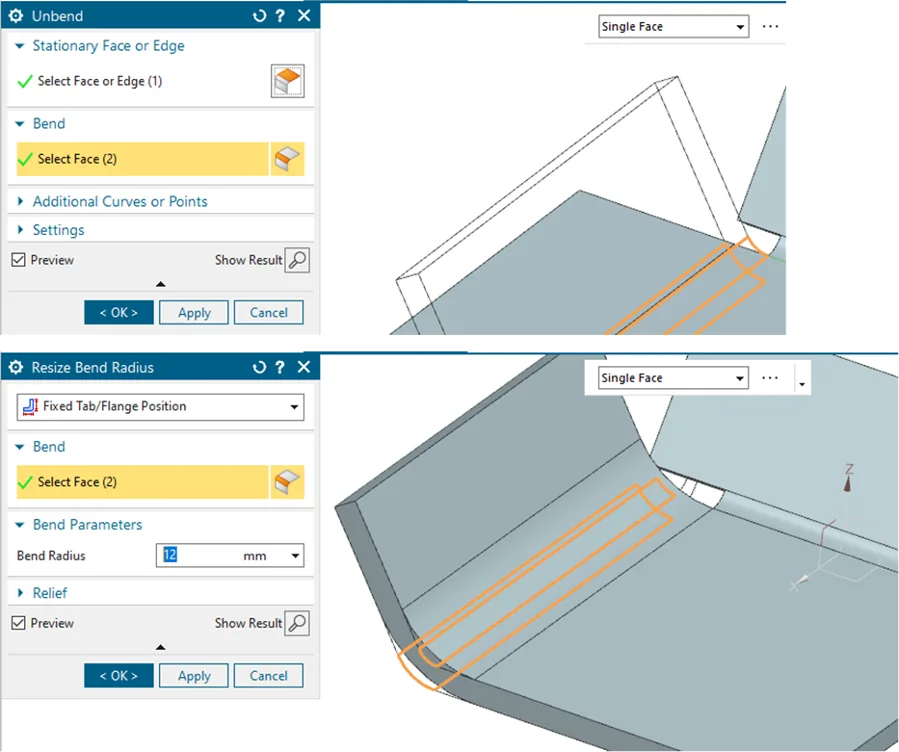
Unbend and Rebend
- Flatten and rebend selected areas of the part
- Add additional curves to transformation
Resize
- Adjust bend parameters for radius, angle and neutral factor
Flat Solid & Flat Pattern
- Generate flat geometry
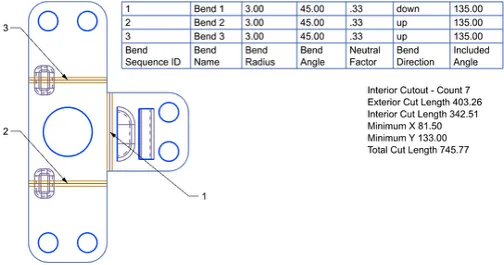
- Control output, apply corner treatments and reorder bend sequence
- Display Bend control lines
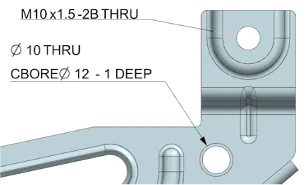
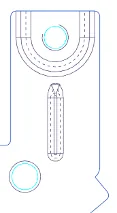
- Retain feature parameters for holes
- Create intermediate in-process states with multiple features
- Feature properties and PMI reporting
Flat Pattern Export
- Output flat pattern directly to file system or Teamcenter in DXF and Trumpf GEO formats
- Fully configurable naming
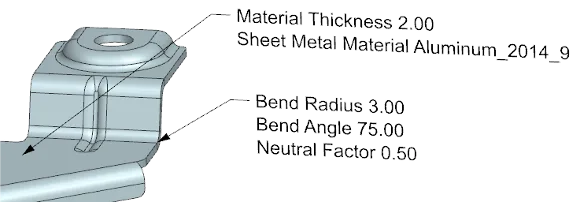
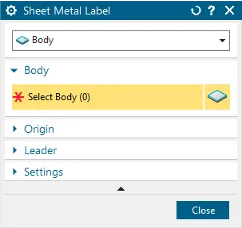
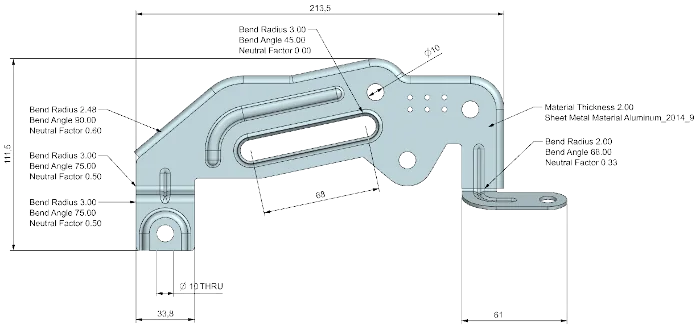
PMI for sheet metal
PMI for sheet metal features
Bend
- Radius
- Angle
- Neutral Factor
Body
- Thickness
- Material name
- Physical material name
Fully integrated with
- PMI preferences
- Technical Data Package
Using foreign data
Convert to Sheet Metal
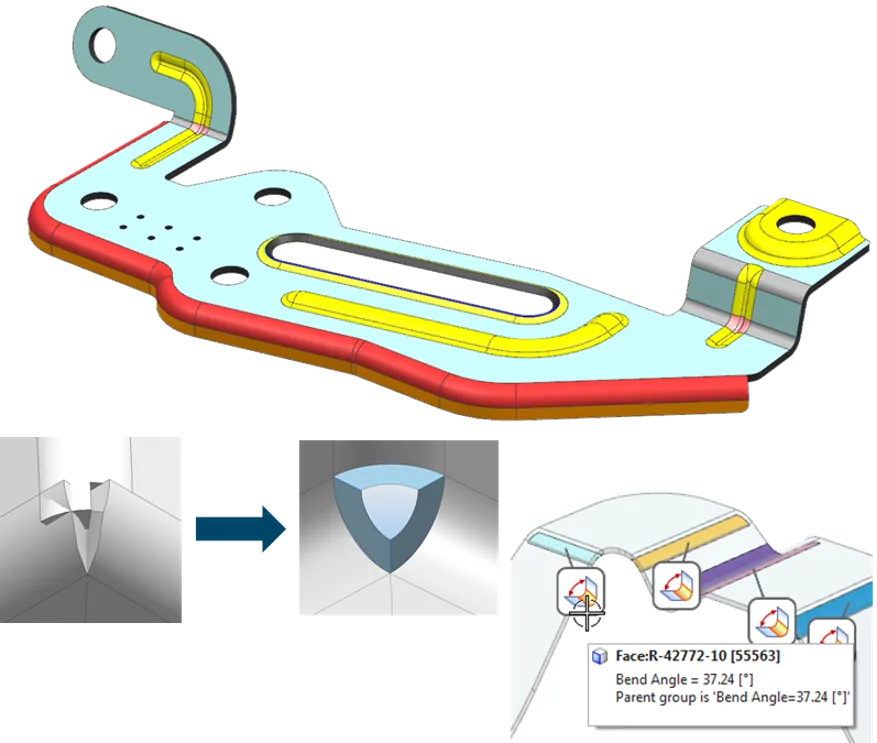
The Convert to Sheet Metal workflow provides a streamlined and highly flexible approach to turning solid models into fully functional sheet‑metal parts. It offers both a guided wizard for step‑by‑step assistance and a single‑click conversion option for rapid results. Users can clean up corners automatically, convert only selected local areas when needed, and maintain full control over all conversion parameters. The workflow is fully compatible with dedicated Sheet Metal Visual Reports, ensuring clear validation and analysis throughout the design process.
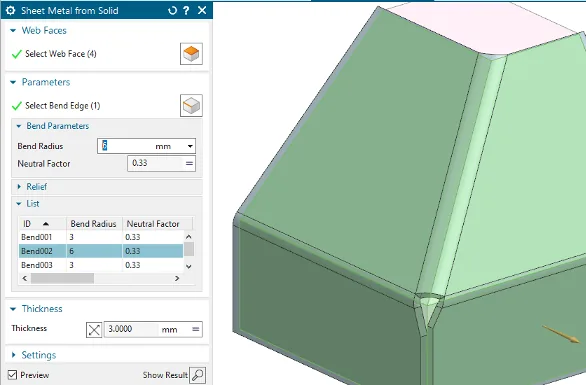
Sheet Metal from Solid
The Sheet Metal from Solid workflow provides precise control when converting solid bodies into manufacturable sheet‑metal parts. Designers can independently adjust bend parameters for each edge, ensuring accurate material behavior and forming requirements. Automatic overlap handling removes conflicting geometry, while corner‑cleaning tools generate smooth, fabrication‑ready transitions that support robust downstream features and operations.
Material standards
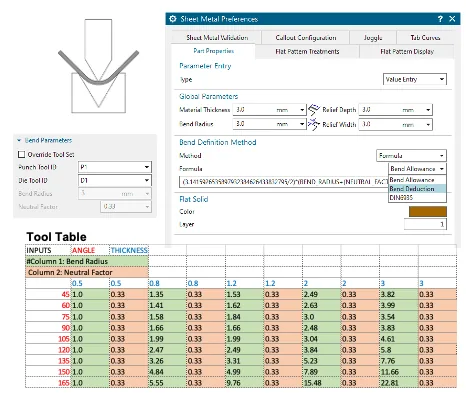
- Material driven tooling selection
- Bend definition methods including:
- Global Parameters
- Physical material library integration
Advanced sheet metal
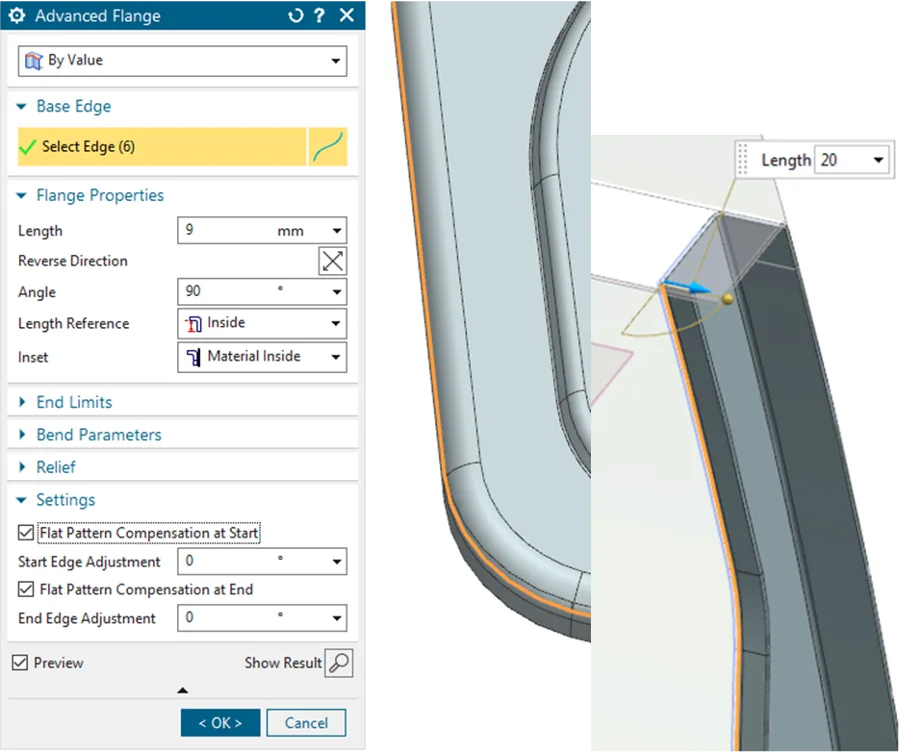
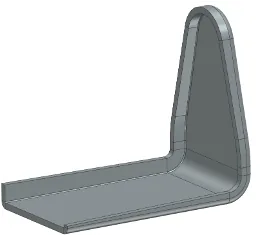
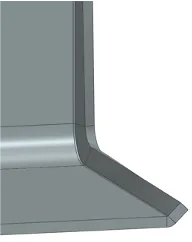
Advanced Flange
- Non-linear flanges
- To reference (surface) option with profile matching
- Flat pattern compensation algorithm with per-feature adjustment
- End Limits
Variational Flange
- Create flanges on any tangential edge
- Extends to non-coplanar edges
- Variable length
- Variable angle (for co-planar)
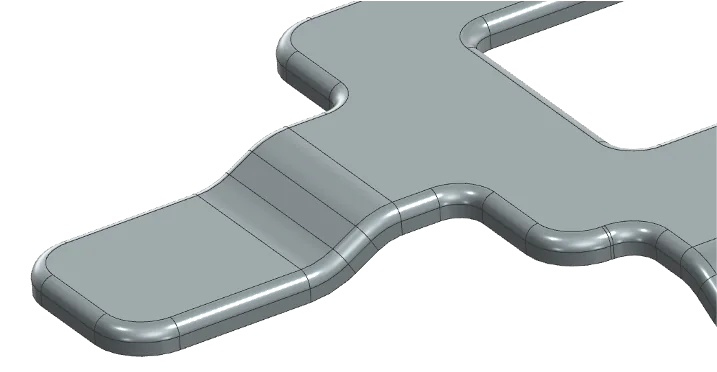
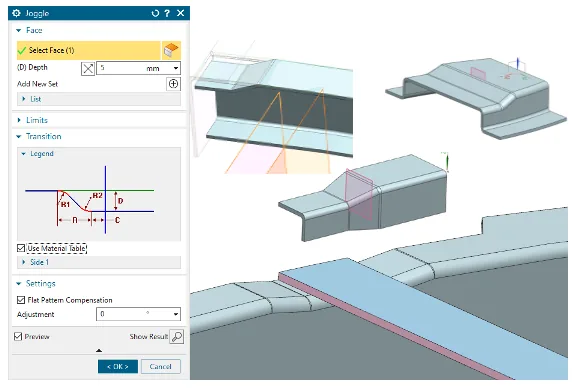
Joggle
- Single and Twin features
- Multi-face joggle capability
- Flat pattern compensation algorithm with per-feature adjustment
- Material driven Runout and Radius parameters
- Threshold adjustment
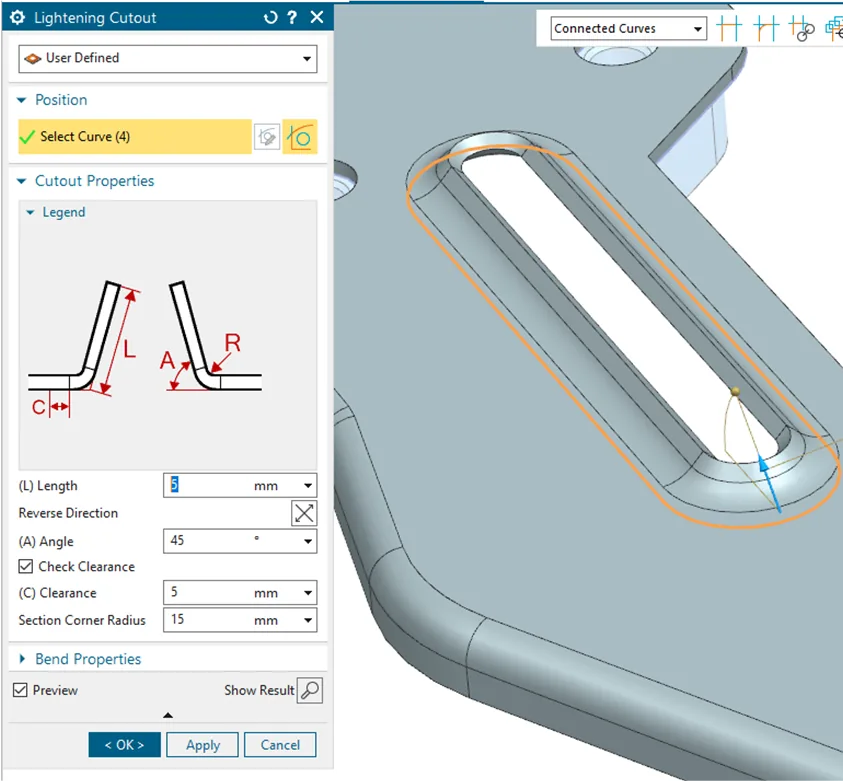
Lightening Cutout
- Standard size driven parameters
- Hole and user-defined profiles
- Clearance checking
- Full flat pattern compatibility with cut-out hole size
Technical information
Packaging
- Designcenter NX Sheet Metal is included with most Mach bundles
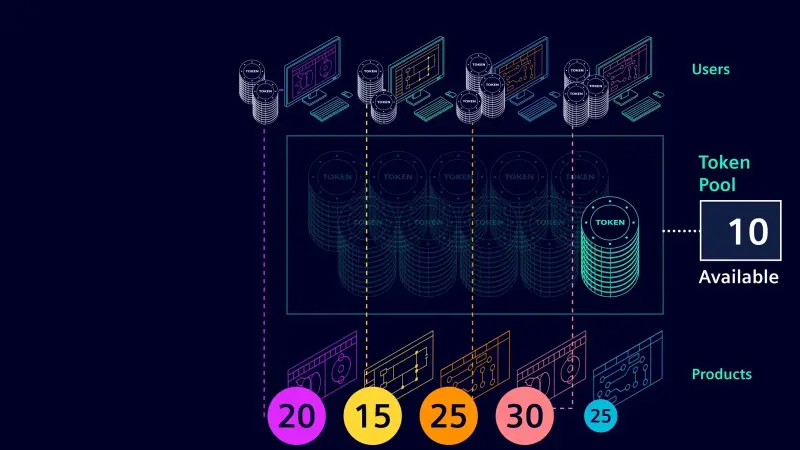
- Designcenter NX Advanced Sheet Metal is available as an Add-On and can be used through value-based licensing
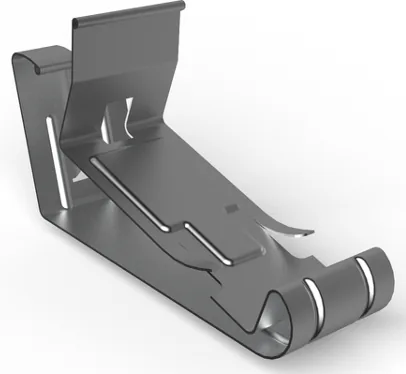
Designcenter NX Sheet Metal benefits
- Built for sheet metal design
- Efficient downstream consumption of data
- Confidence you can complete the most complex designs