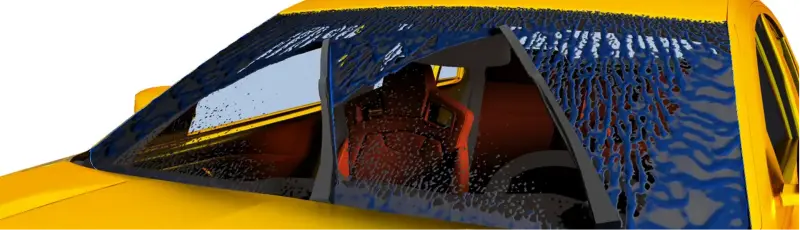
Why is Wiper Simulation Important Today?



How can Wiper Simulations Address the Challenges?
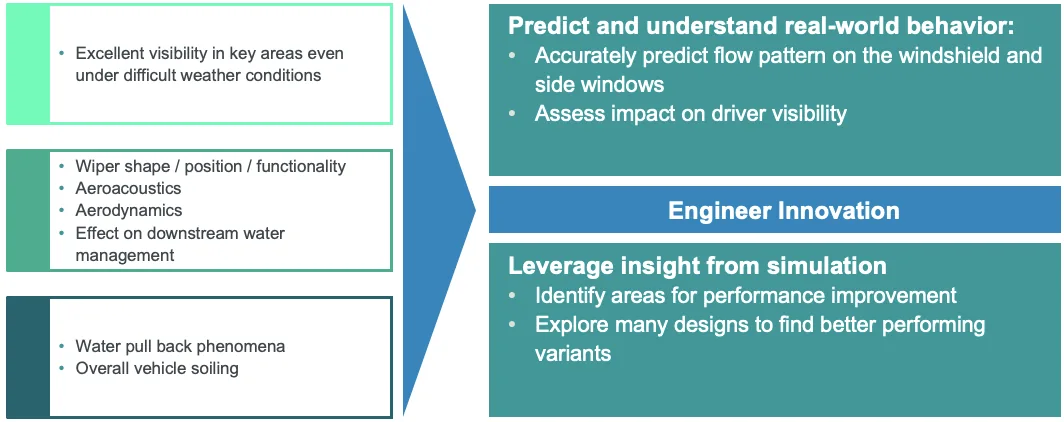
Key Requirements
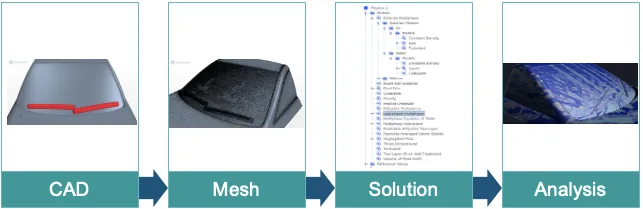
- Automated geometry operations that let you quickly explore multiple designs using parametric, built in, or third party CAD tools.
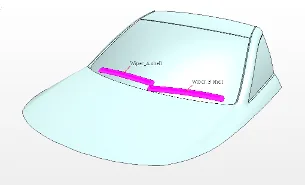
- A robust automated meshing process rapidly generates high quality meshes, with body fitted prism layers accurately capturing near wall physics.
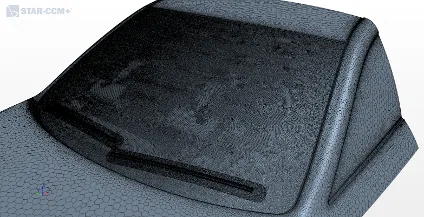
- Wiper motion generates diverse flow regimes (films, pooling, splashing), making hybrid multiphase modeling essential for efficient, simultaneous simulation.
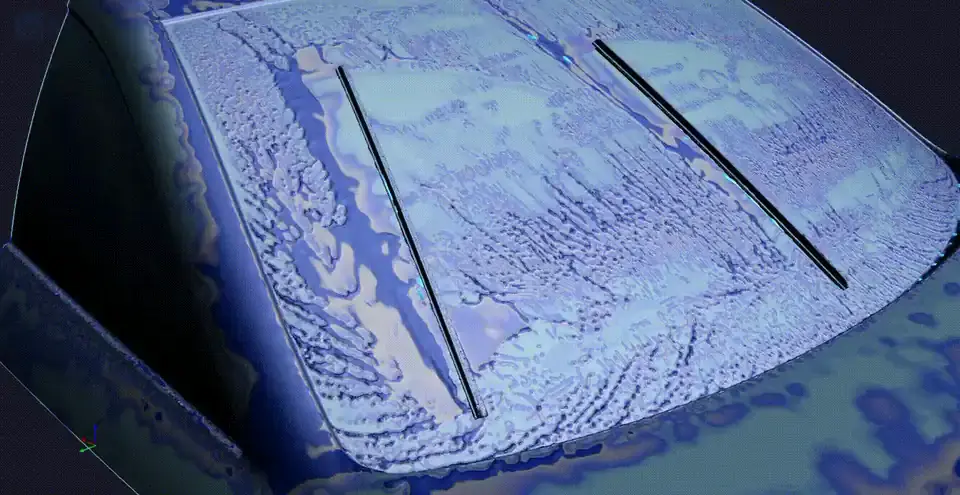
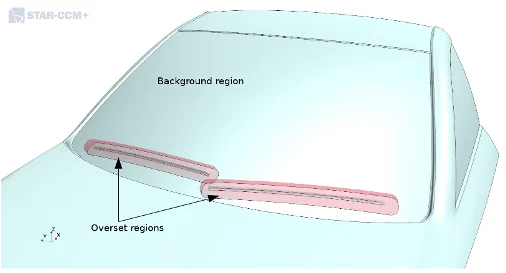
- Overset meshing efficiently and robustly simulates wiper motion, with automatic shape morphing to match windshield curvature.
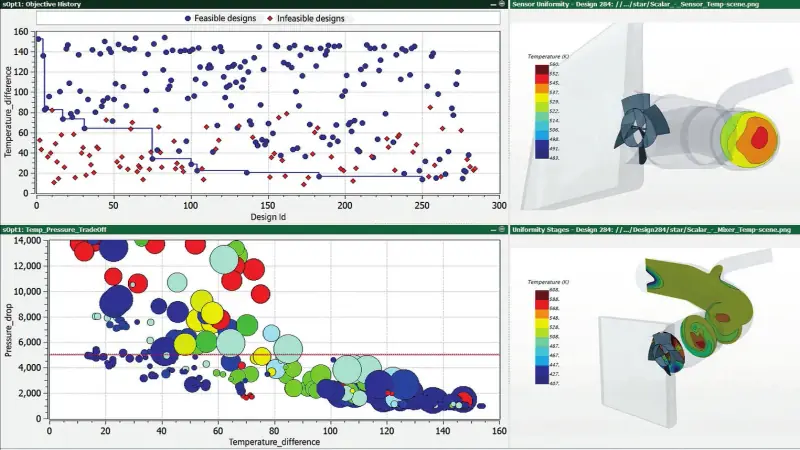
- A robust, automated workflow makes it easy to evaluate design changes and optimize concepts using parameterized CAD models.
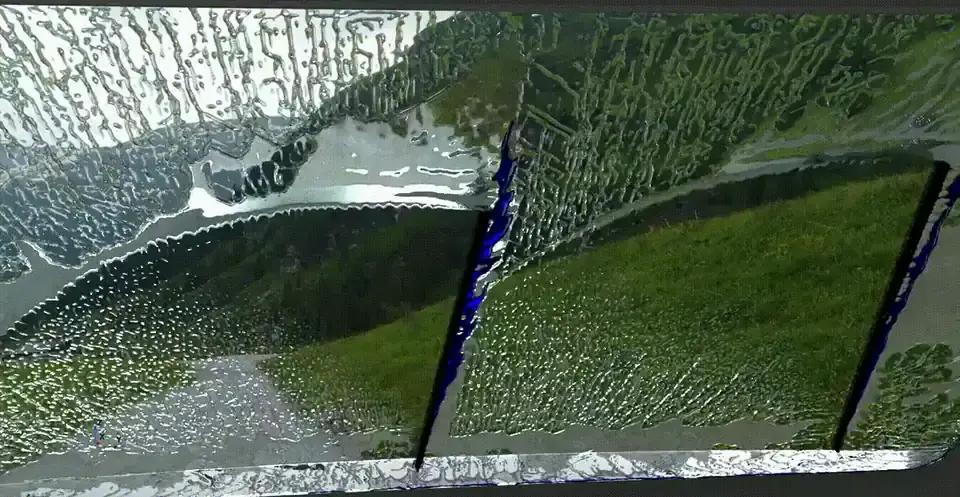
- Evaluate performance both quantitatively and qualitatively, and communicate results through photorealistic post processing and animations.
Wiper Simulation in Simcenter STAR-CCM+
Automated mesh workflow
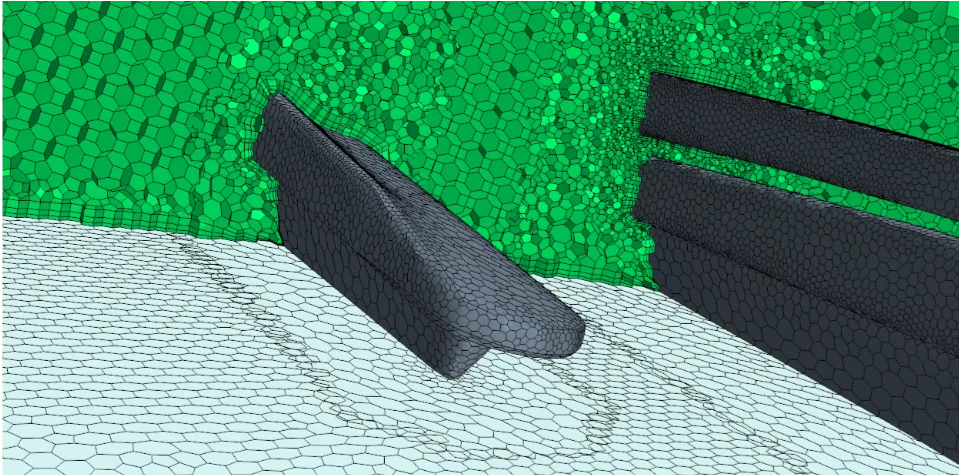
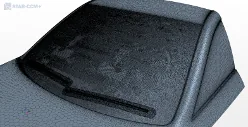
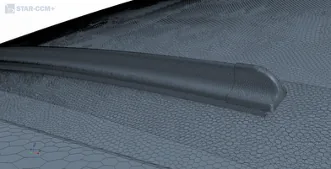
Rapid geometry cleanup via surface wrapping, fully automated parallel volume meshing (polyhedral and trimmed cells), and prism layer meshing that captures fine geometry and boundary layer flows with body fitted cells.
Hybrid multiphase modeling
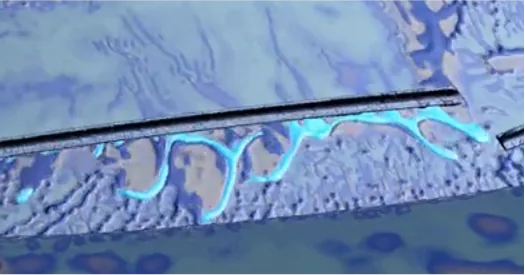
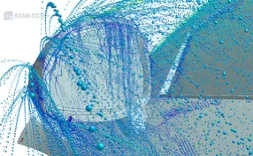
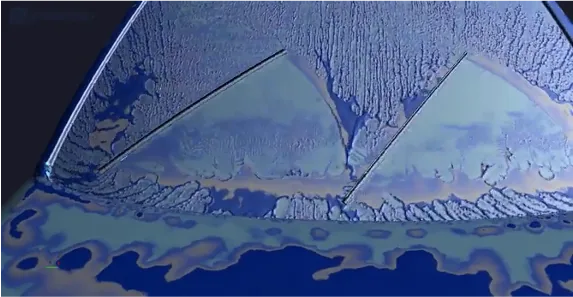
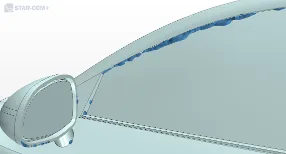
Rainwater transitions from airborne droplets to films and rivulets on the windshield, requiring hybrid multiphase modeling to capture regime changes and accurately predict water and dirt accumulation for safe sensor placement.
Overset mesh and morphing
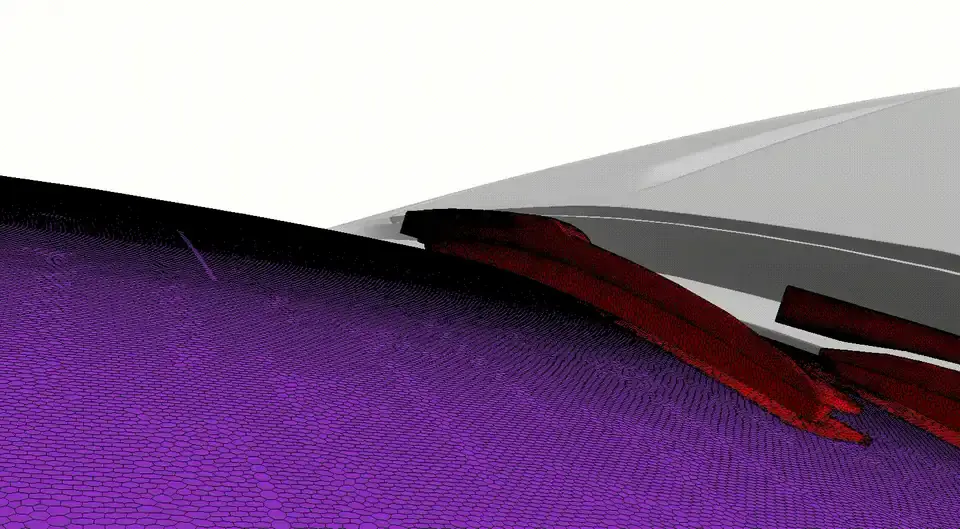
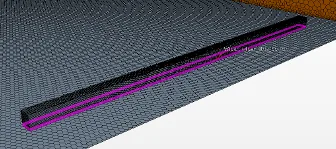
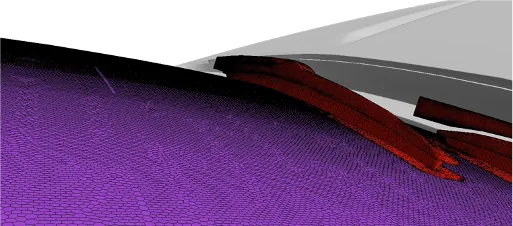
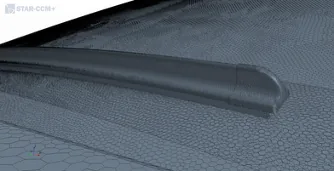
Wiper motion is modeled using overset meshes for efficient movement without remeshing, combined with mesh morphing that lets blades conform to windshield curvature.
Summary
An automated workflow enables design exploration, with high quality meshing, multi physics and complex motion modeling for accurate wiper simulation, supported by powerful post processing to evaluate results.
Simulation Setup
Setup
Overset Mesh and Morpher Settings
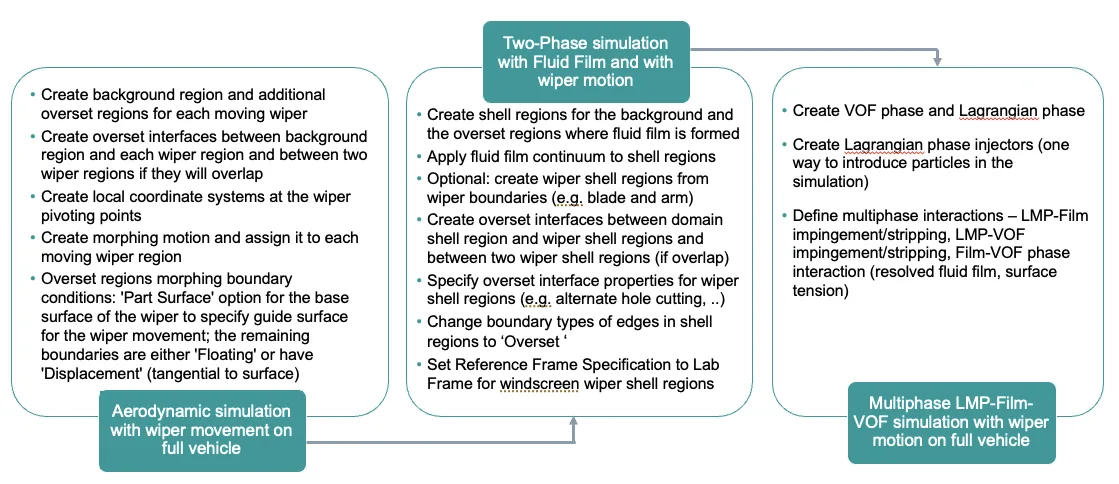
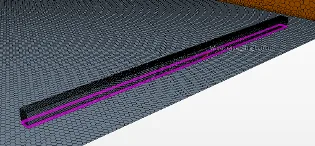
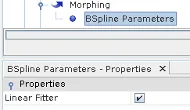
To minimize morphing distortion, split the wiper boundary so a small region near the windscreen floats while the rest rotates rigidly, use a BSpline morpher with Linear Fitter to prevent twisting, set the wiper boundary reference frame to Lab Frame for accurate film prediction, and use Linear overset interpolation for a good accuracy–cost balance.
Sensitivity Study: Mesh Size, Time Step Size and Number of Inner Iterations
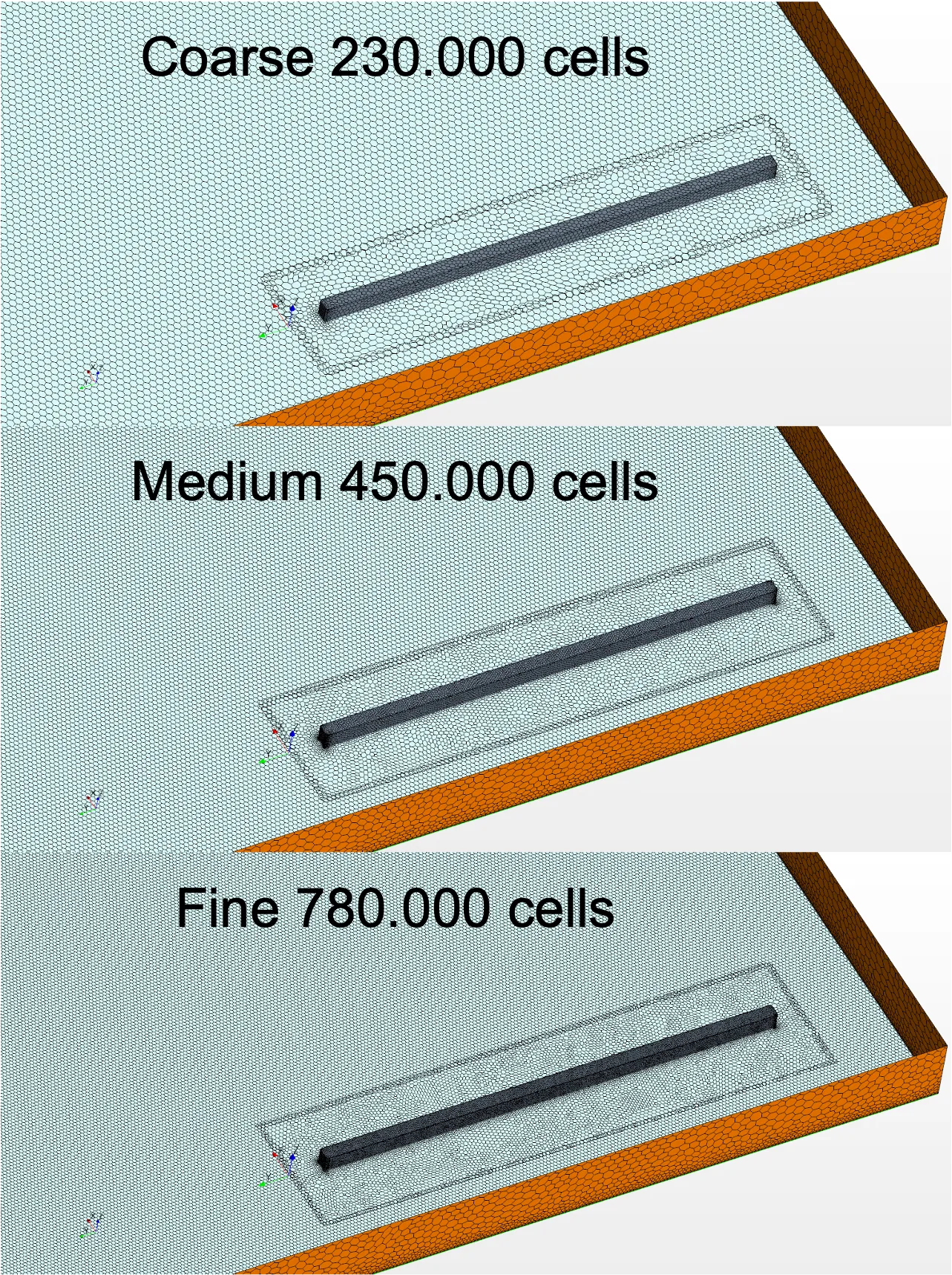
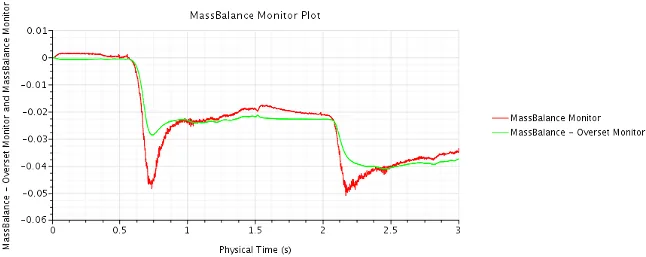
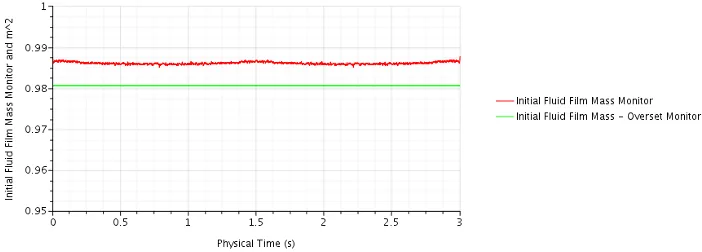
Ensure consistent cell sizing near the fluid film across background and overset meshes, limit overset motion per step to less than half a cell, and choose mesh and time step carefully to maintain mass conservation, where a medium mesh with a 0.0005 s time step and 10 iterations offers a good accuracy–cost balance, and high y⁺ meshes are only suitable with fluid film/VOF transition.
Hybrid Multiphase Modelling - Key Information
A range of models is required to describe the different multiphase regimes
- VOF – Stratified flows (free surfaces)
- DMP – Dispersed flows, small volume fractions
- Film – Stratified thin film flows over surfaces
- LMP – Particle flows (incl. bubbles/droplets), small vol. fraction
- DEM – Particle flows, high volume fraction
Real world flows include more than one regime
- Using only one model requires simplification and assumption
- Using models together allows simulation of real world physics
Use several models together to cover all regimes
- E.g. VOF for free surfaces, Fluid Film for thin films, and LMP for droplets
- Relevant phase interactions, appropriate mass and energy transfer models are available
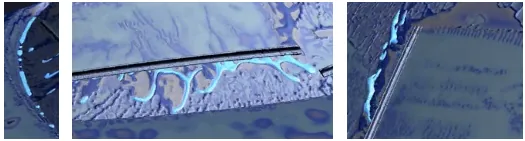
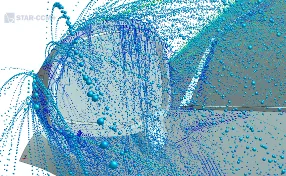
LMP – Fluid Film Interaction
- Models the interaction between particles and fluid film
- Droplets impingement, converted into fluid film
- Droplets stripping – wave and edge stripping
- User defined splash model
Fluid Film – VOF Phase Interaction
- Controls the transition between the specified fluid film phase and VOF phase (hybrid VOF-Film approach)
- Flow features in thicker regions of fluid can only be captured by VOF
- Modeling surface tension (information based between models)
LMP – VOF Phase Interaction
- Impingement of Lagrangian droplets into VOF
Hybrid Multiphase Modelling - Tips and Tricks
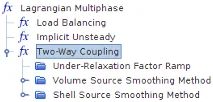
In Lagrangian two phase simulations, particle influence is diluted in overset overlap regions due to shared cells, but enabling Alternate Hole Cutting and Close Proximity helps mitigate this effect, especially when overset regions overlap.
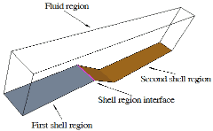
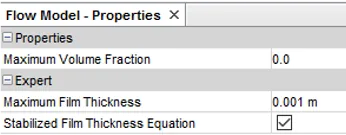
For fluid films spanning multiple shells, interfaces are required; stability can be improved with the stabilized film thickness option, Lagrangian source smoothing helps when particles are large relative to cells, and using downstream escape interfaces reduces droplet tracking cost.
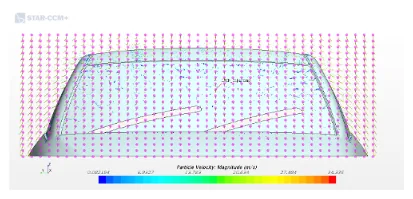
Lagrangian particles can be injected via a presentation grid independent of mesh density, using randomized point selection each timestep for smoother impingement at the cost of higher computation time.
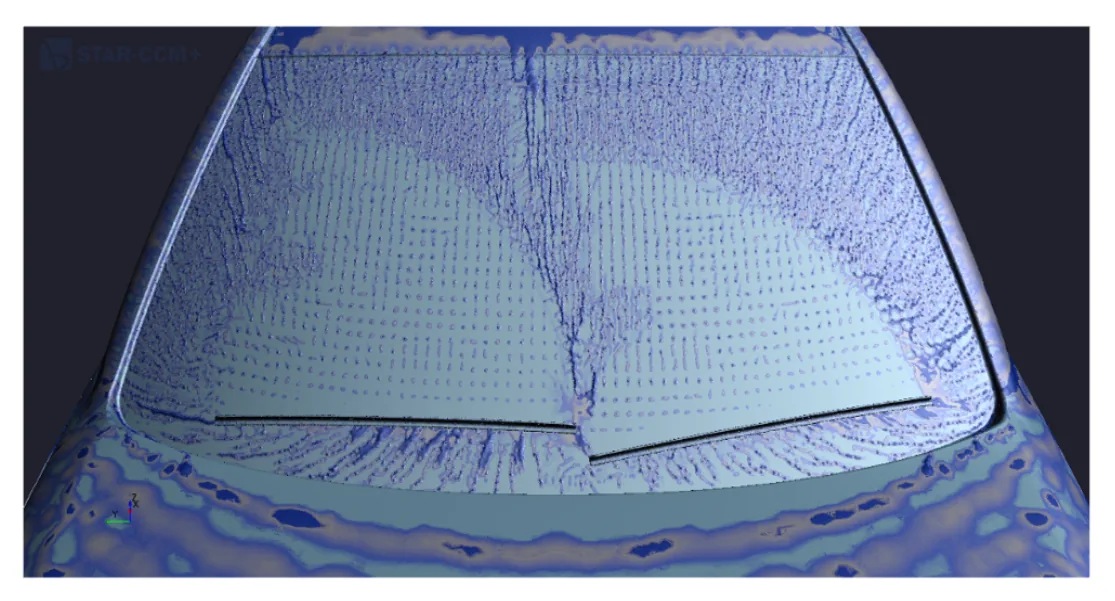
For overset cases, use Overset Surface Integral and Overset Volume Integral reports to ensure correct post processing by properly accounting for overlapping mesh regions and avoiding double counting.
Motion Modeling - Key Information
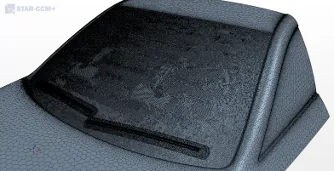
Mesh morphing with overset meshes efficiently models wiper motion, enabling continuous windshield contact, multiple overlapping overset regions with required interfaces, and scalable morphing, where BSpline outperforms RBF and “Tangential to Surface” displacement is best suited.
Motion Modeling - Tips and Tricks
Mesh morphing - general
1. Use the BSpline morpher (use 'Linear Fitter’)
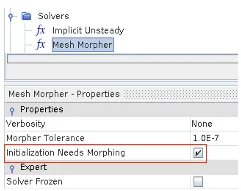
2. Use ‘Initialization Needs Morphing’ to project the wiper onto the windshield
Mesh morphing - boundary conditions
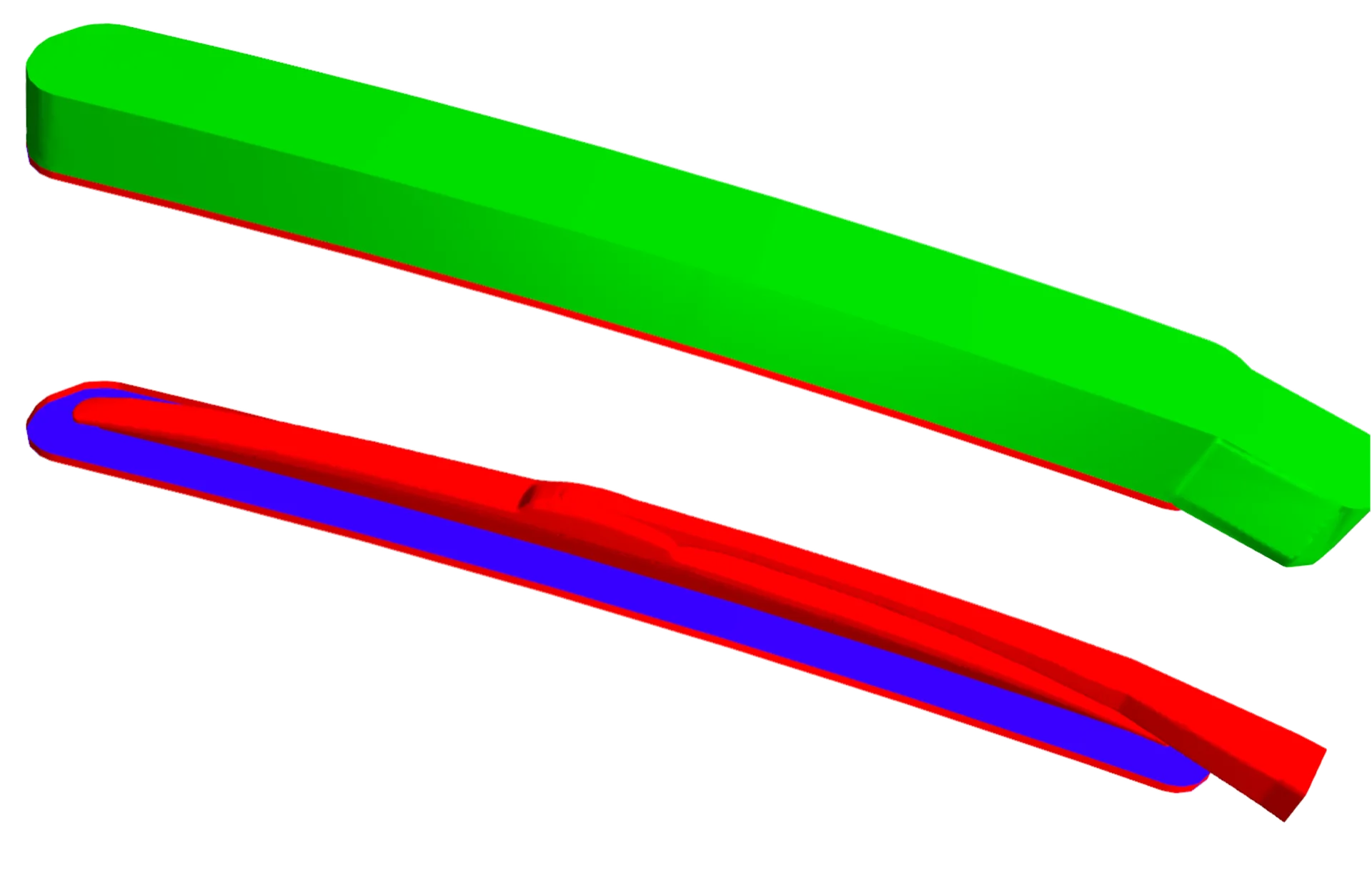
1. Create a small fillet close to the windshield and set as floating (this allows a small degree of freedom for robustness)
2. Define all wiper surfaces as floating
3. The windshield boundary on the overset region is defined as 'Slide on Guide Surface’
4. The outer surface is set to ‘Displacement’ and ‘Tangential to Surface'
Motion Modelling - Mesh Morphing + Overset Mesh