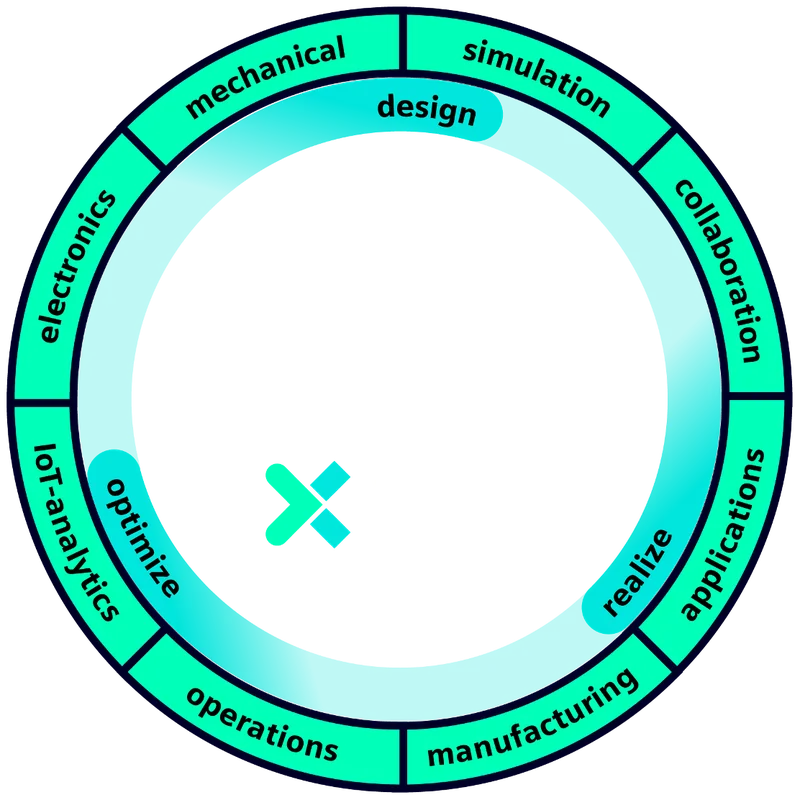
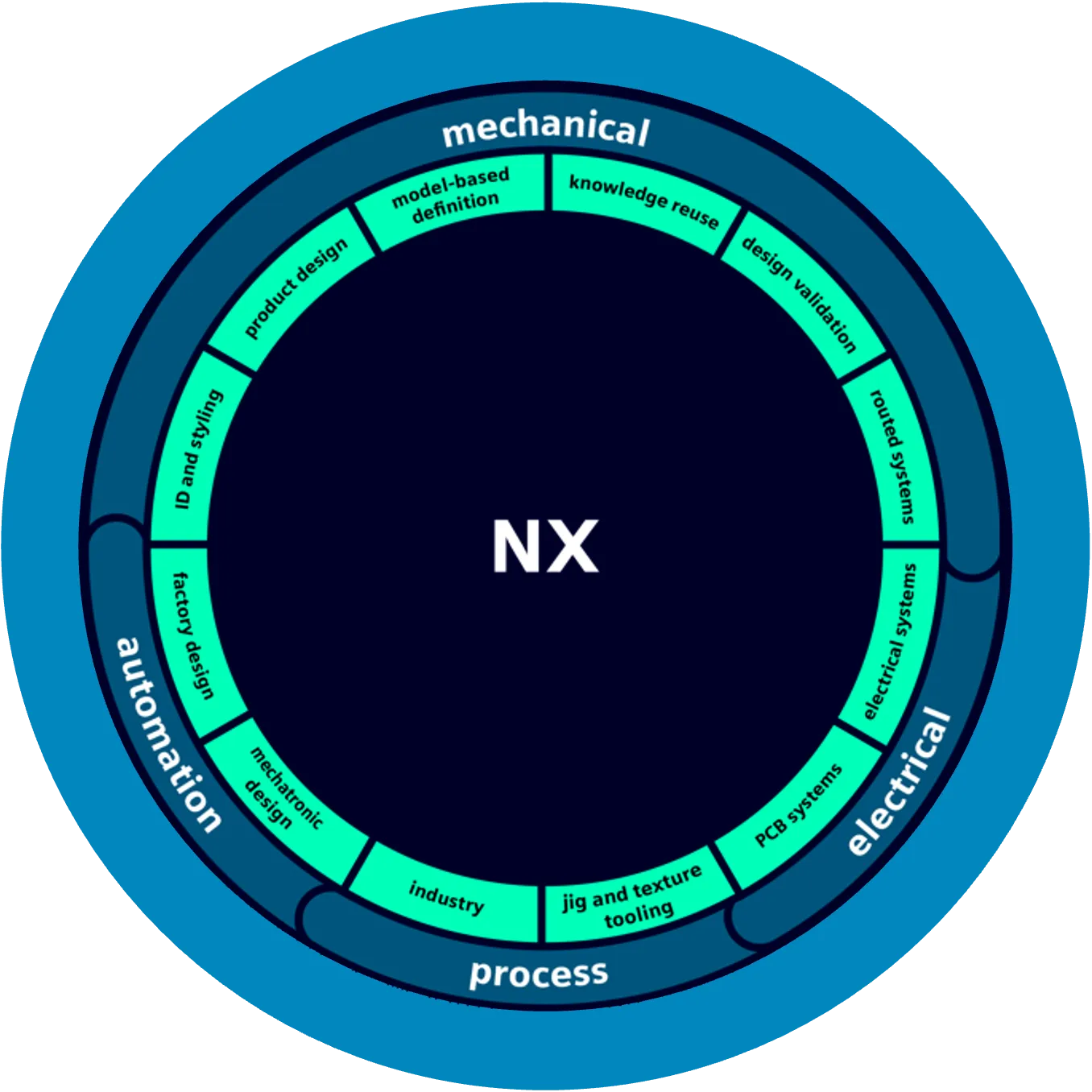
Step 1
Open Siemens Support Center
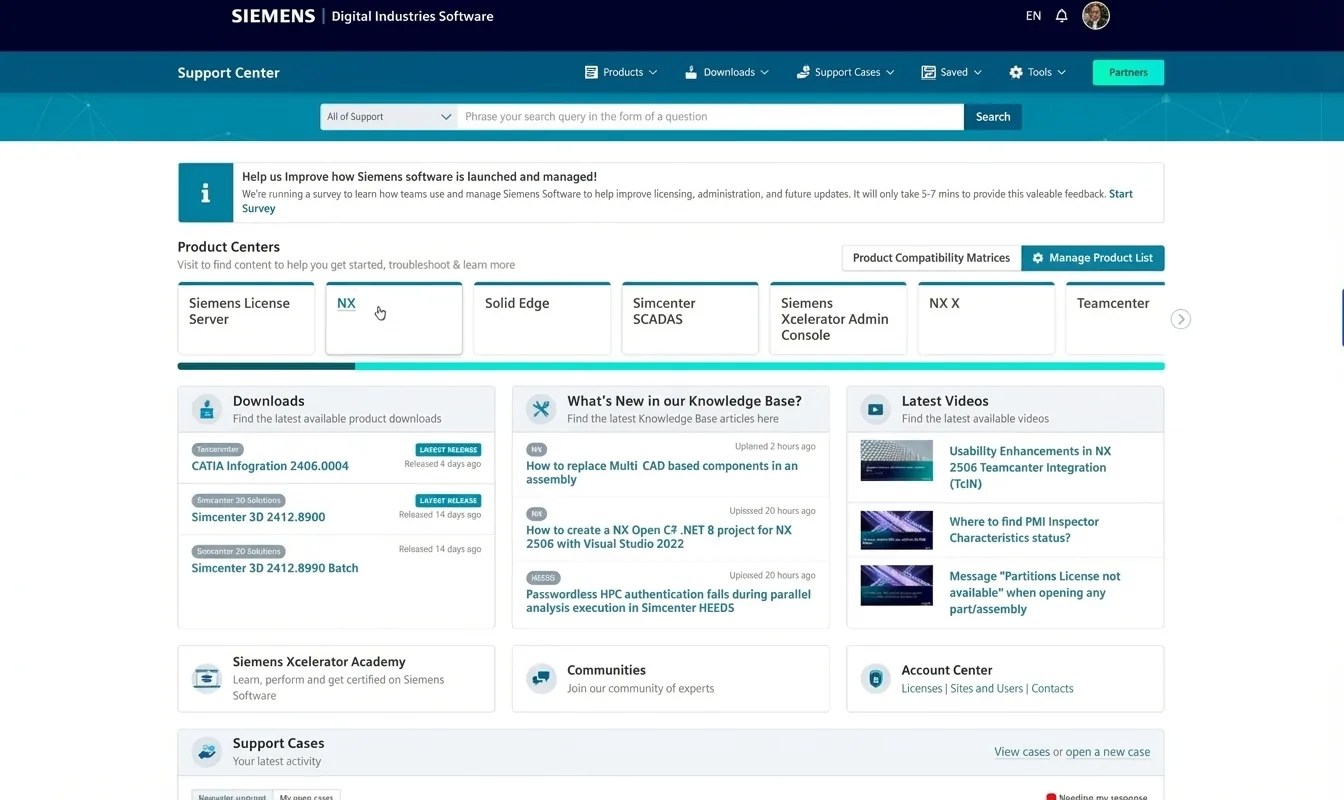
Step 2
Find Designcenter NX tab
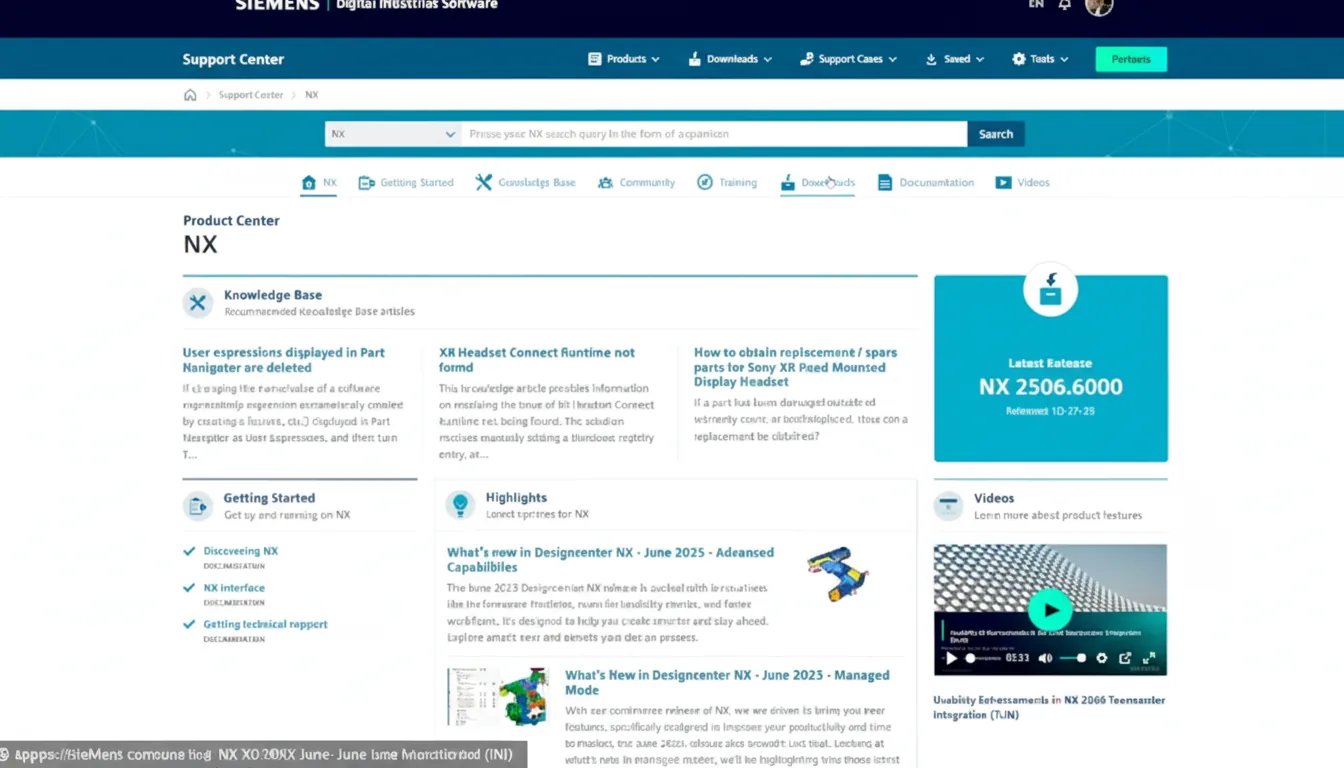
Step 3
Click on Downloads
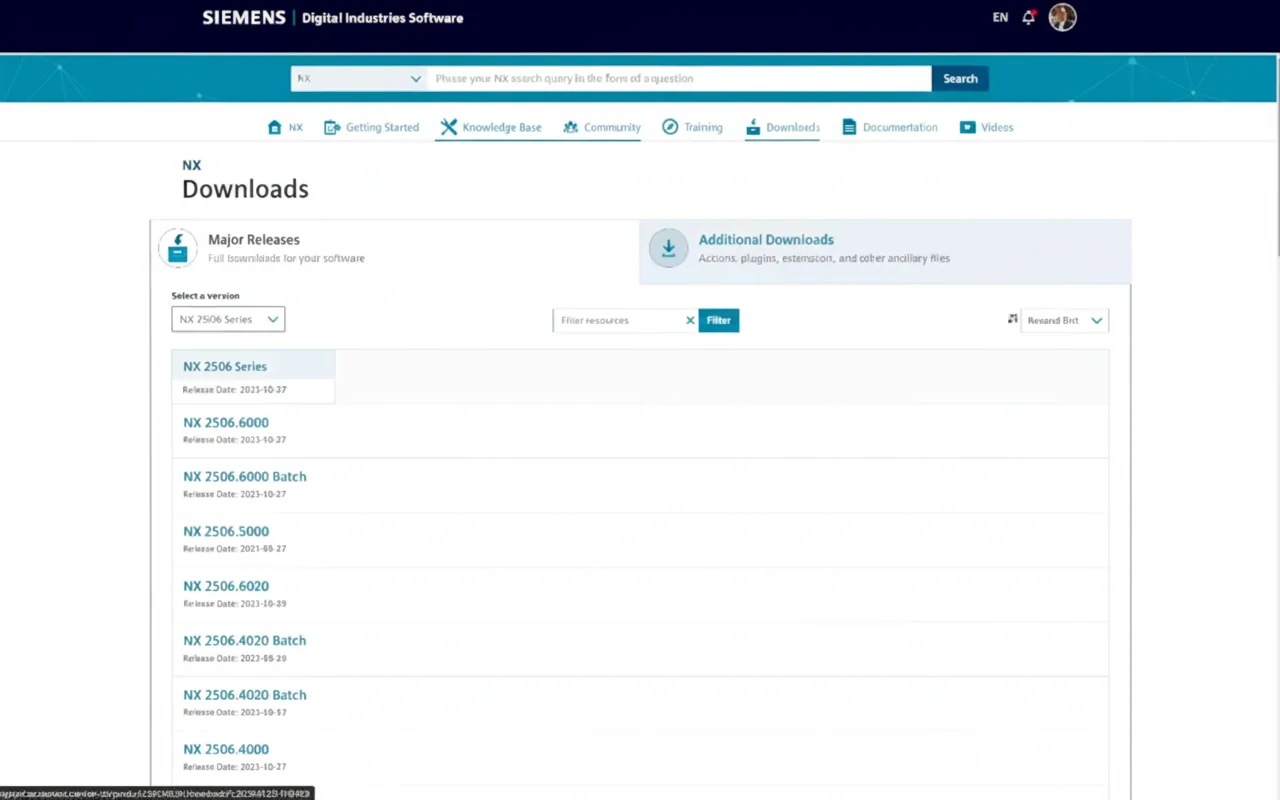
Step 4
Choose Designcenter NX version you want to update to
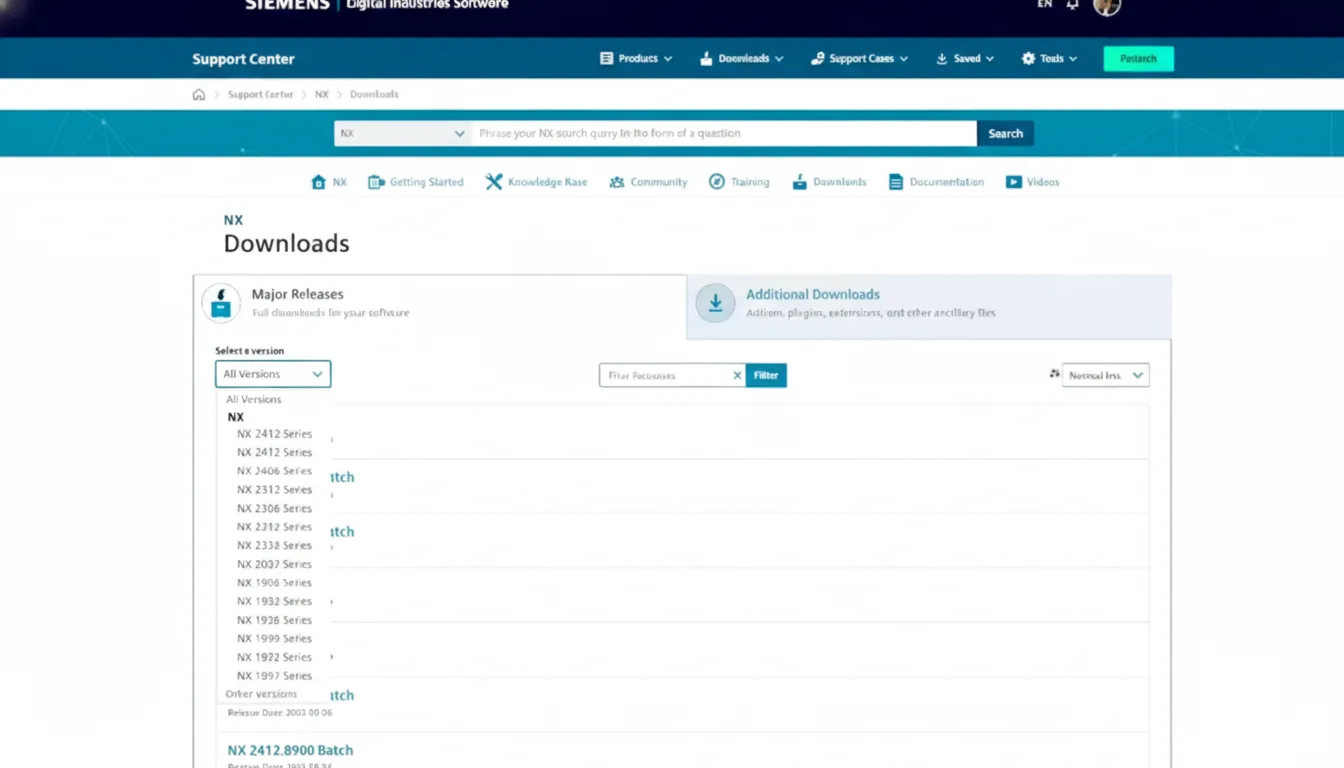
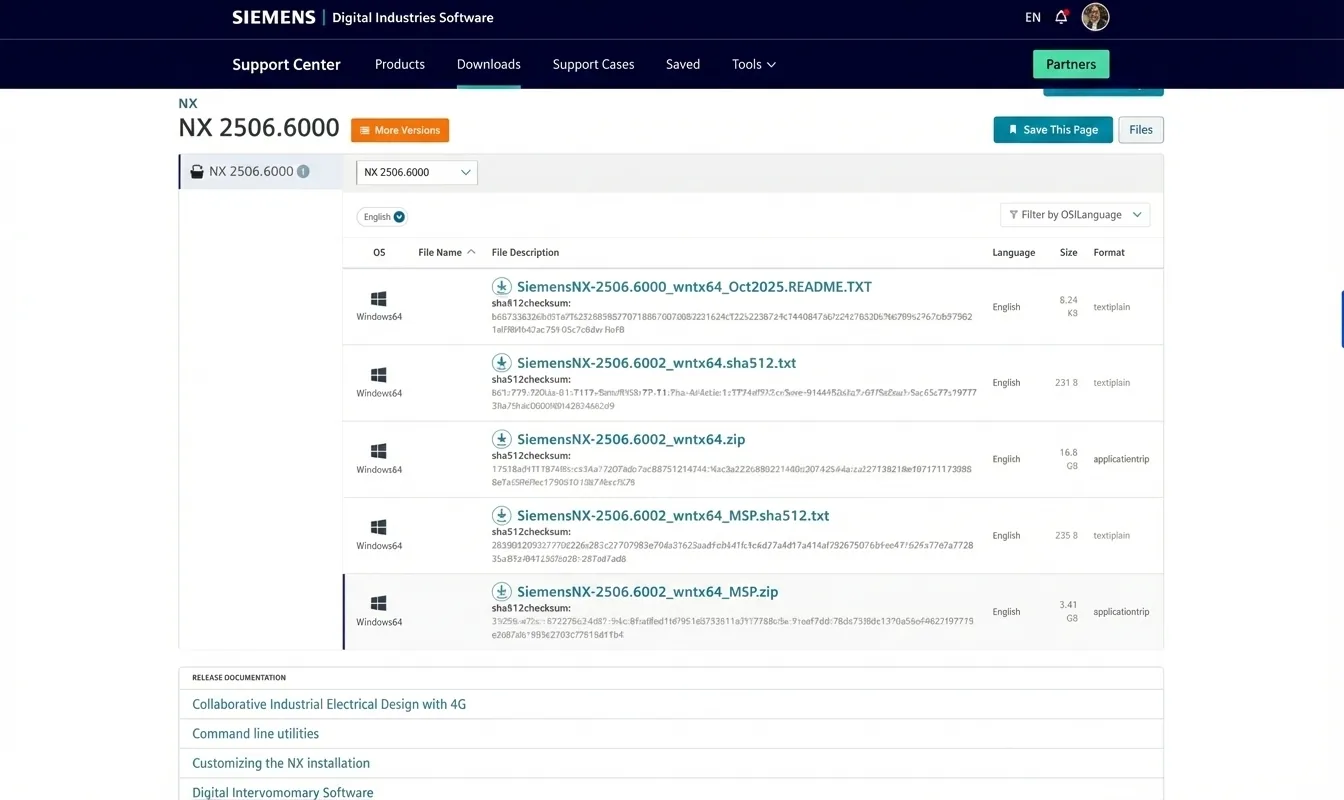
Step 5
Scroll down until you find MSP.zip file
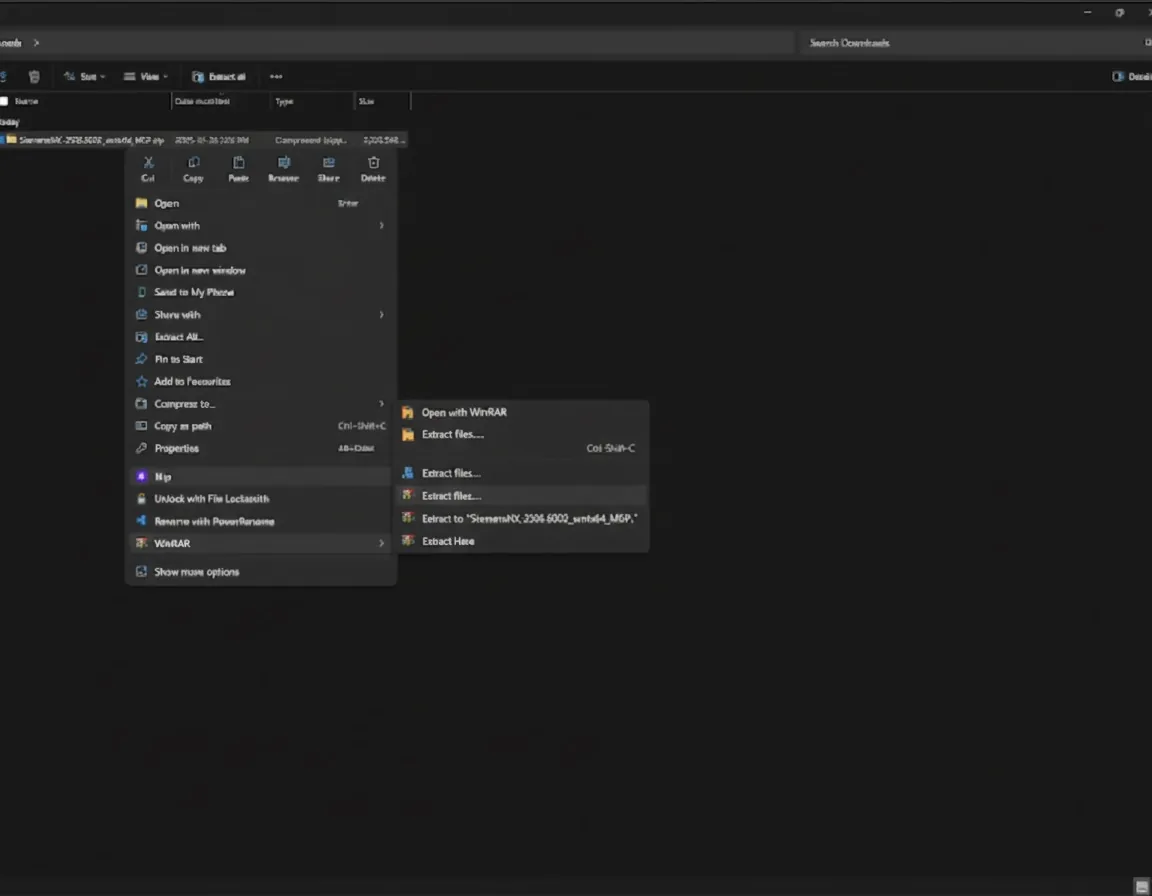
Step 6
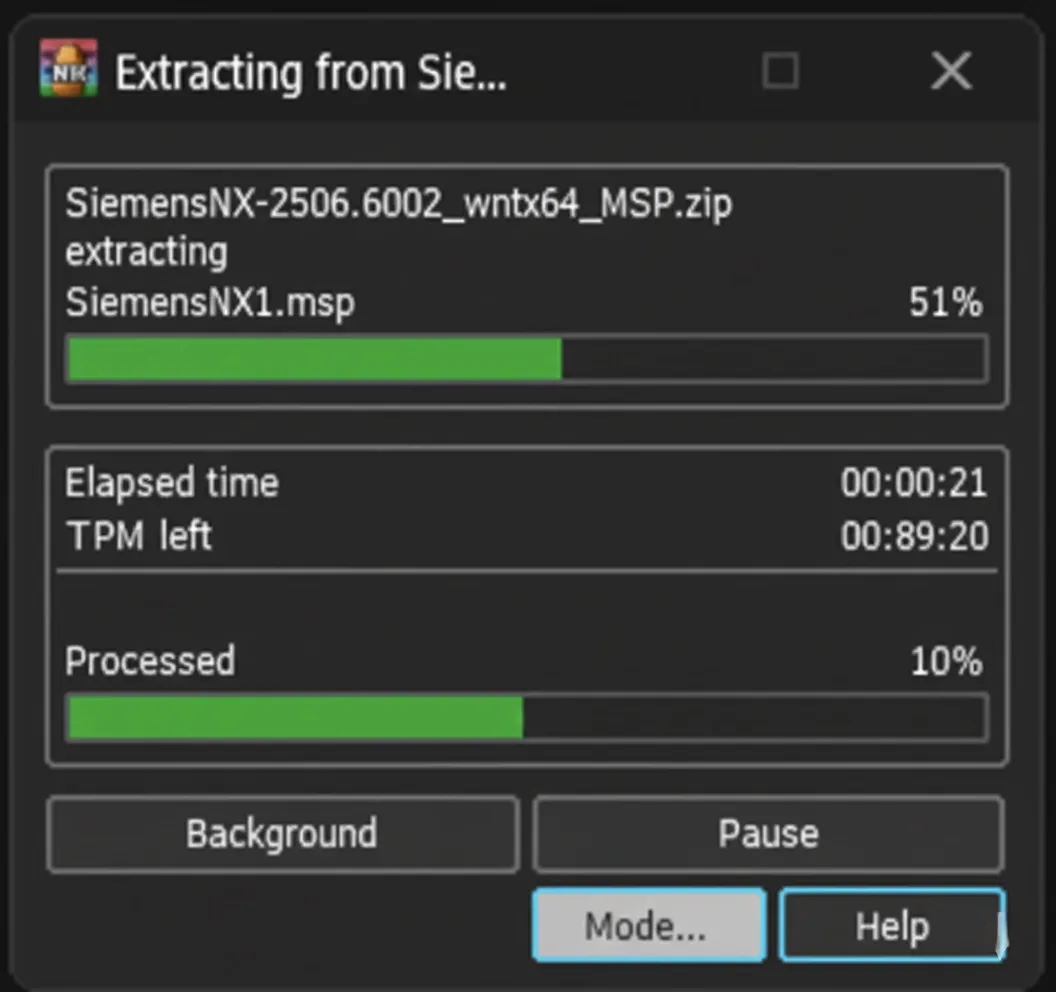
Extract the downloaded file
Step 7
Waiting for the process to finish
Step 8
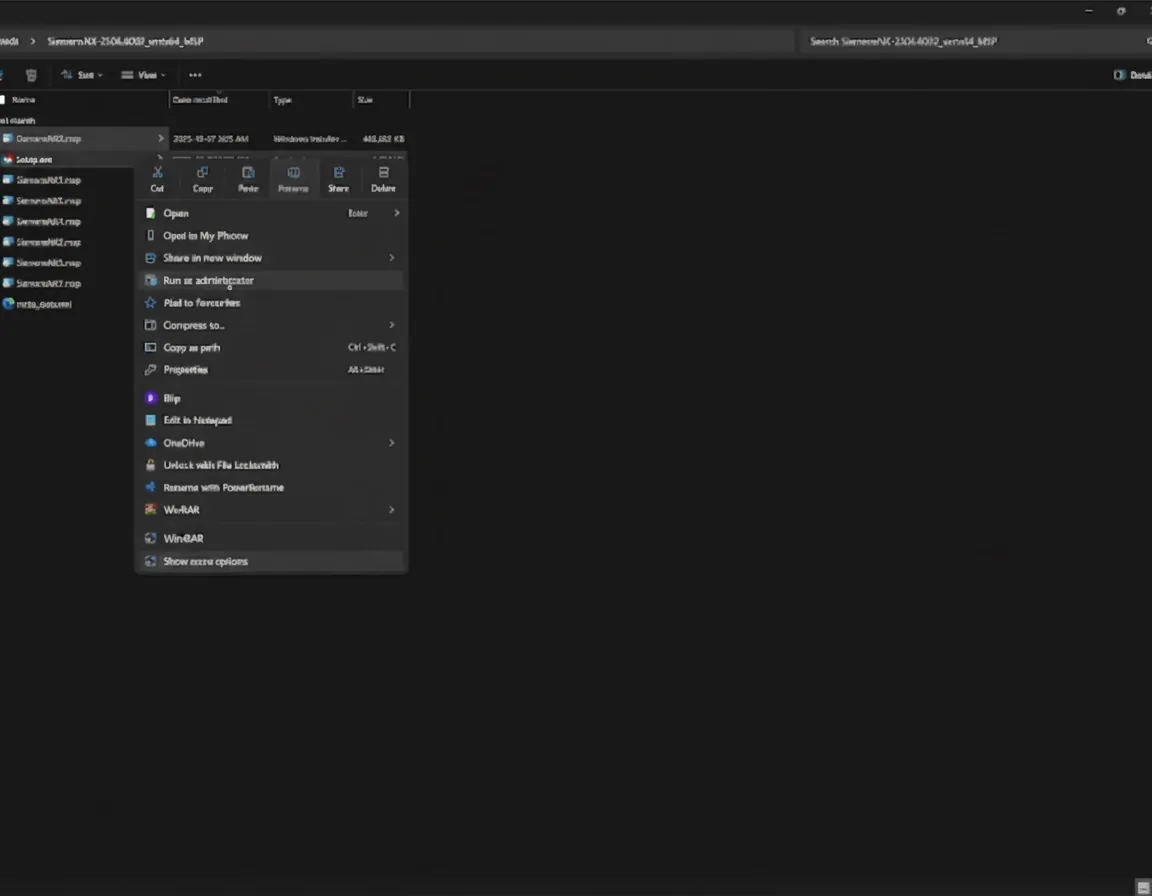
Open Setup.exe file as Administrator
Step 9
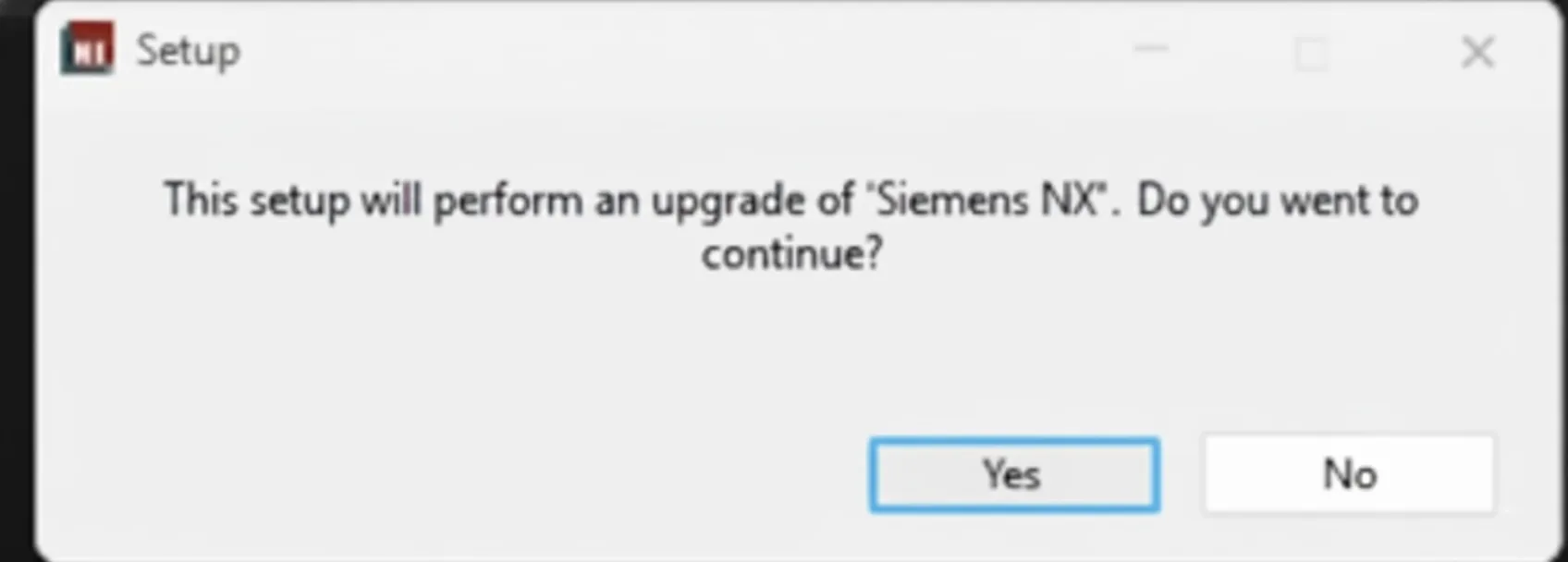
Click Yes to continue
Step 10
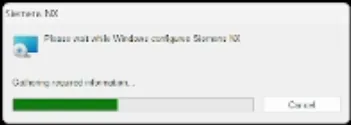
Wait for the installation to finish
Step 11
Now you update is all done! Congratulations.
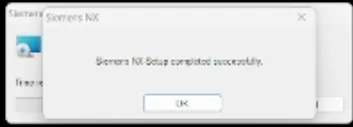
Step 12
Now you can open Siemens Designcenter NX and check the version to verify that the update has been completed successfully.